Phone screen silently eating battery! Know how to save hours of backup?

Apart from this, nowadays many smartphones come with 90Hz, 120Hz or even higher refresh rates. This makes the screen look smoother but it also increases battery consumption. If you do not need gaming or high-performance, then battery backup can be increased by setting the refresh rate to 60Hz.

Apart from this, nowadays many smartphones come with 90Hz, 120Hz or even higher refresh rates. This makes the screen look smoother but it also increases battery consumption. If you do not need gaming or high-performance, then battery backup can be increased by setting the refresh rate to 60Hz.

Let us tell you that if your smartphone has AMOLED or OLED display then dark mode can prove to be very helpful in saving battery. In such displays, black pixels use less battery. This is why using dark theme can improve battery backup.
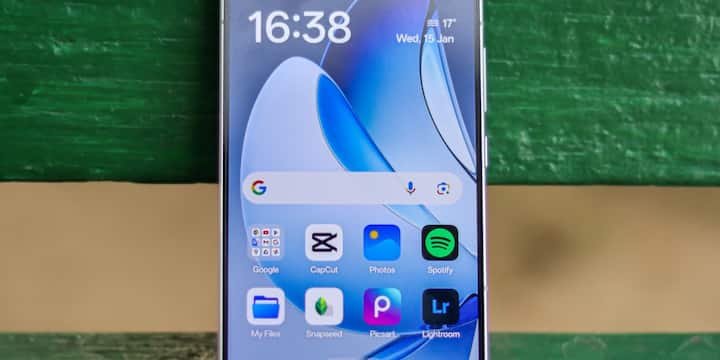
Let us tell you that if your smartphone has AMOLED or OLED display then dark mode can prove to be very helpful in saving battery. In such displays, black pixels use less battery. This is why using dark theme can improve battery backup.

It is often seen that after using the phone, the screen remains on for a long time due to which the battery keeps getting wasted unnecessarily. That's why if you set the screen timeout to 15 or 30 seconds, the battery will be used less.

It is often seen that after using the phone, the screen remains on for a long time due to which the battery keeps getting wasted unnecessarily. That’s why if you set the screen timeout to 15 or 30 seconds, the battery will be used less.
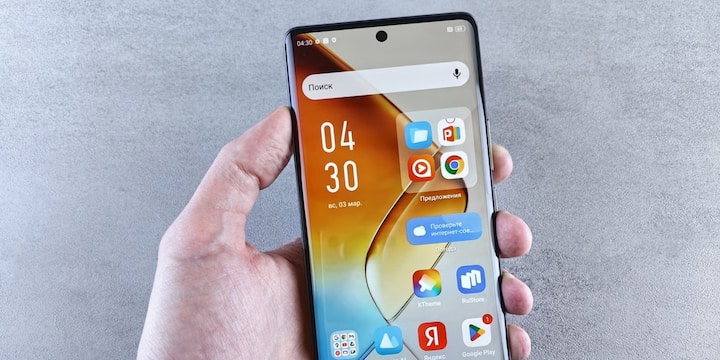
For your information, let us tell you that the brighter the smartphone screen, the more battery it consumes. In such a situation, many times people use the phone at high brightness due to which the battery starts draining quickly. Under normal circumstances, using auto brightness or medium brightness saves battery.

For your information, let us tell you that the brighter the smartphone screen, the more battery it consumes. In such a situation, many times people use the phone at high brightness due to which the battery starts draining quickly. Under normal circumstances, using auto brightness or medium brightness saves battery.

Not only this, Always-On Display (AOD) feature is available in many smartphones in which time and notifications remain continuously visible on the screen. Although this feature is very useful for people, it also consumes a lot of battery of the device. In such a situation, if you do not need this feature then it is better to keep it off.
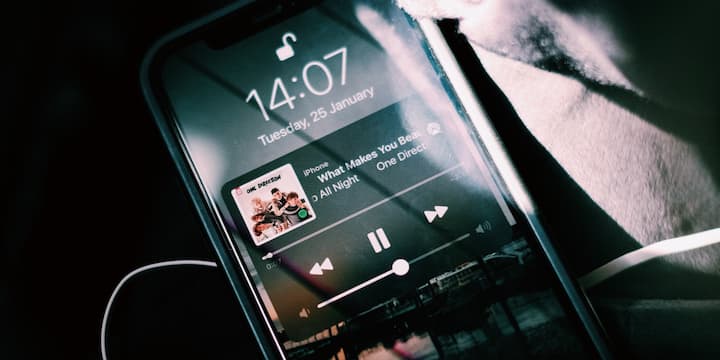
Not only this, Always-On Display (AOD) feature is available in many smartphones in which time and notifications remain continuously visible on the screen. Although this feature is very useful for people, it also consumes a lot of battery of the device. In such a situation, if you do not need this feature then it is better to keep it off.

Animated or live wallpapers in smartphones look great but they keep using the phone's processor continuously due to which the battery of the device also starts draining quickly. Similarly, too many widgets on the home screen can also increase battery consumption. That is why only normal wallpaper and essential widgets should be kept on the home screen.

Animated or live wallpapers in smartphones look great but they keep using the phone’s processor continuously due to which the battery of the device also starts draining quickly. Similarly, too many widgets on the home screen can also increase battery consumption. That is why only normal wallpaper and essential widgets should be kept on the home screen.

Published at : 13 Jul 2026 10:18 AM (IST)

technology photo gallery

Source link

Leave a Reply

Your email address will not be published. Required fields are marked *