- Social media apps often violate privacy by listening to users’ conversations.
- Control microphone permissions by going to smartphone settings.
- Turn off access to unnecessary apps in both Android and iPhone.
- Only trusted apps should allow microphone permissions.
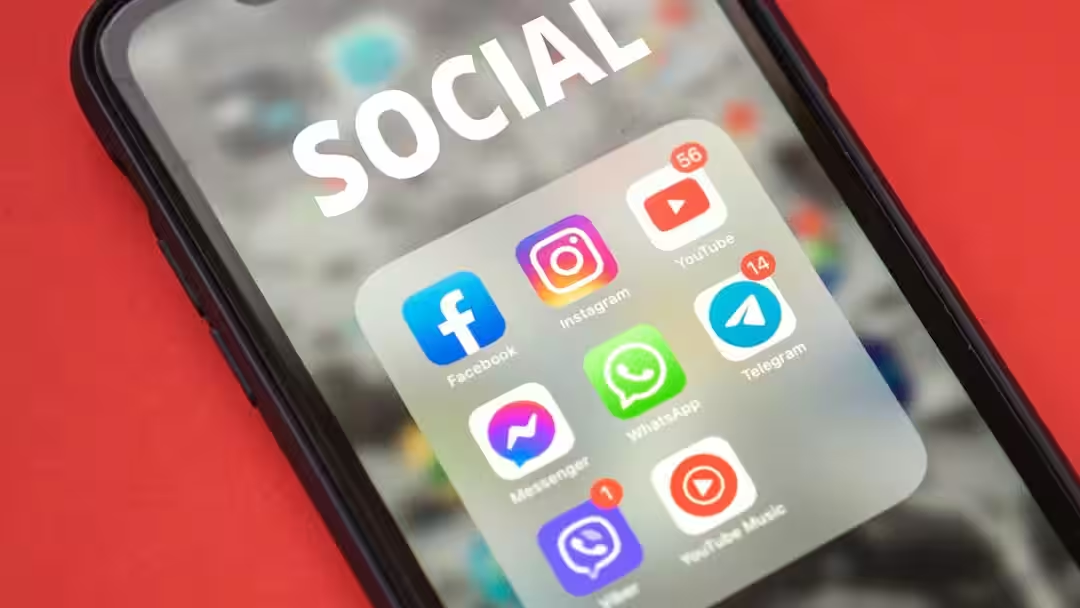
Tech Tips: Today almost everyone uses social media apps for some work or the other. Some use social media for entertainment and some for office work. But it has often been seen that social media apps listen to you knowingly or unknowingly. Yes, in fact, many social media apps have become a threat to privacy today. But you can stop this completely by changing a setting in your smartphone.
Keep an eye on microphone permissions
For your information, let us tell you that many social media apps ask you for microphone access for features like voice messages, video recording or live streaming. If you don’t use these features, the app should permanently deny microphone permission. This permission should be turned off when not needed so that your privacy is maintained.
Close access like this
Now if you also want to turn off the permission given to the microphone in your smartphone, then you can do this work easily by just following some easy steps. For this, first of all you have to go to the Settings of the smartphone. After this open Privacy or Security & Privacy section. Here you will get the option of Permission Manager or App Permissions. Now tap on Microphone and see which apps have got microphone permission. For apps that don’t need it, set the permission to Don’t Allow or Allow Only While Using the App.
iPhone users turn off settings like this
Whereas, if you have an iPhone then open Settings and go to Privacy & Security. After this tap on the Microphone option. Here you will see a list of all those apps which have got microphone access. From here you can turn off the permissions of those apps which you rarely use.
Give permission only to such apps
Let us tell you that it is not right to give microphone access to every app. It is always better to give permissions only to trusted apps. Let us tell you that there are many such apps which do not have any use of microphone, yet they ask for microphone permission, so in such a situation you should not give permission to such apps at all. This maintains your privacy and no app will be able to listen to your conversations.
Also read:
People are being cheated through AI photos! This is the way to identify fake photos, be careful if you see these 5 signs