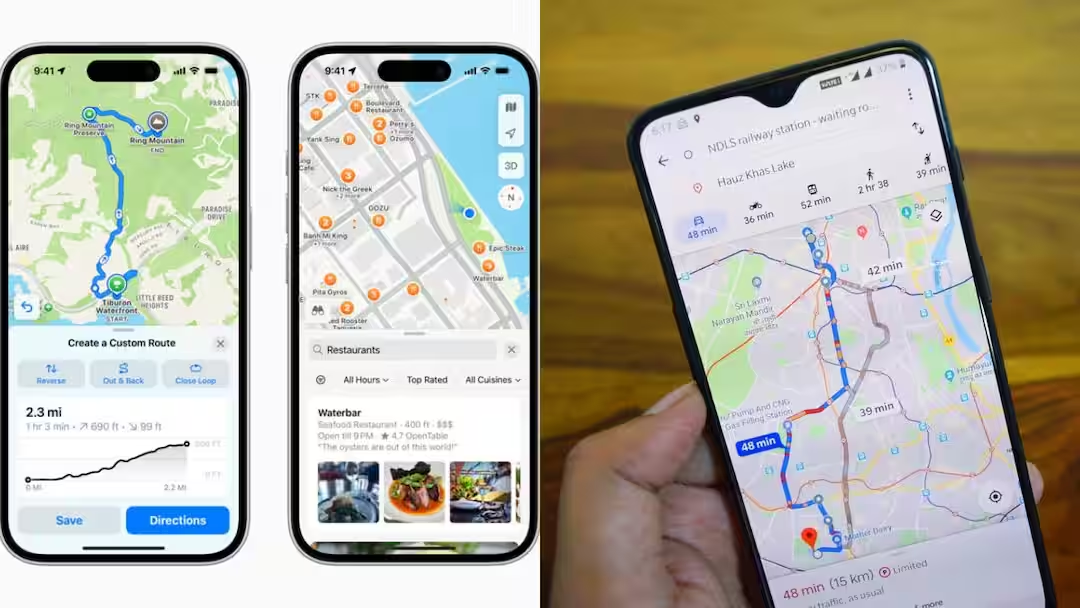
How To Use Ask Maps: Just a few days ago, Google had announced the biggest upgrade ever in Maps. Under this, the company had brought a feature called Ask Maps. Google says that this feature will give a new conversational experience to the user and now it will be able to answer difficult and real-world questions. Today we are going to tell you how this feature works and how it can be used.
How does Ask Maps feature work?
With the help of this feature, you can interact with Google Maps like friends. From this you can ask whether the battery of my phone is going to die. Tell me a place where I don't have to stand in line for coffee. Or you can also ask, tell me the address of a lighted tennis court, where it can be played at night. This feature can easily answer all your questions. Currently this feature is available in America and India. Currently it supports English and soon Hindi language support will be added to it.
How to use this feature
First of all update the Google Maps app.
Now open the app and tap on the Ask Maps button below the search bar.
Now enter your query by typing or speaking.
Its most important thing is that you do not have to keep your query in different parts. You can ask everything in one sentence including the best place for your journey or outing. With this you can talk in a natural tone like your friend.
This machine gives personalized answers instead of tailored ones, which makes travel planning easier.
Read this also-
UPI payment can be done even without internet, in this way money will be sent in a jiffy