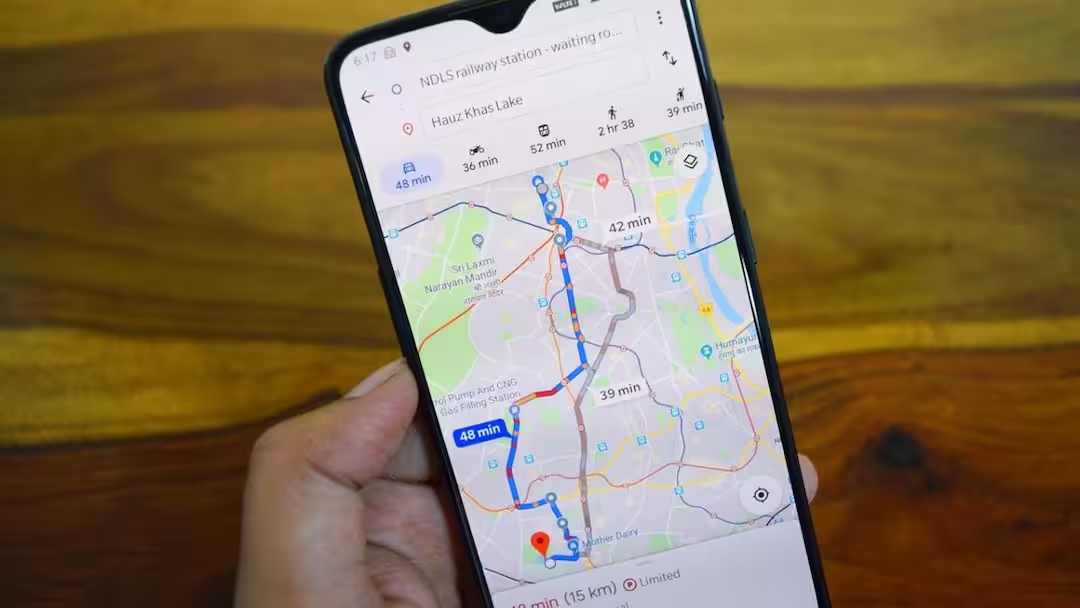
- The green leaf on Google Maps indicates eco-friendly routes.
- This route saves the environment by using less fuel.
- It prioritizes fuel economy at the same time as faster routes.
- This feature can be activated/deactivated by going to Settings.
Google Maps Leaf Icon: Today, Google Maps is one of the most famous navigation apps for finding directions and getting traffic information. Although most people use it only to search location or get directions, but it also has many such features about which very few people know. One of these special features is Eco-Friendly Route, to identify which a green leaf symbol appears on Google Maps.
If you have ever seen this green leaf with time and distance while choosing a route, it means that Google Maps is showing you a route that is better for the environment as well as can reduce fuel consumption.
What does Green Icon mean?
This green icon visible on Google Maps indicates that you are traveling on a route where your vehicle will consume less fuel. This route is not decided only on the basis of distance but also keeping in mind many other important things like:
- traffic situation on the road
- Number of uphill and downhill routes
- The possibility of a vehicle maintaining a constant speed
- frequent stop and go situations
Keeping all these things in mind, Google Maps tries to choose a route in which your vehicle consumes less fuel.
Also read: What was it like 20-30 or 50 years ago where you live? Learn how to time travel
Is the Eco-Friendly Route Always the Fastest?
It is not necessary that this route is the fastest every time. However, Google Maps gives priority to this feature only when the time difference between the eco-friendly route and the fastest route is very small. This means that if another route makes a difference of only a few minutes and may save more fuel, Google Maps may show the same route with a green leaf. In this way users get a chance to save fuel without wasting much time in travelling.
How to turn on Eco-Friendly Route?
This feature is usually active by default in Google Maps. Still, if you want to turn it on or off as per your need then you can follow these steps.
How to change settings in Android and iPhone
- Open the Google Maps app.
- Tap your profile photo.
- Go to Settings.
- Select Navigation Settings.
- Tap on Route Options.
- Here you will get the option of Prefer Fuel-Efficient Routes or Eco-Friendly Routes.
- Turn it on or off as per your need.
Settings can be changed even during navigation
Even if you are already traveling on a route, this feature can be controlled. Tap the three dots at the top right of the screen. Select the Prefer Fuel-Efficient Routes option. Switch it on or off. This will give you a chance to see different route options during your journey.
How is this feature beneficial for people?
Eco-Friendly Route is not only beneficial for the protection of the environment but also for your pocket. Due to less fuel consumption, travel cost can be reduced and carbon emissions are also reduced. If you travel long distances every day, this little green icon from Google Maps can help you save significant fuel over time.
Also read:
Are your Smart TV, Camera and Fridge on the Internet? Is someone secretly watching you?