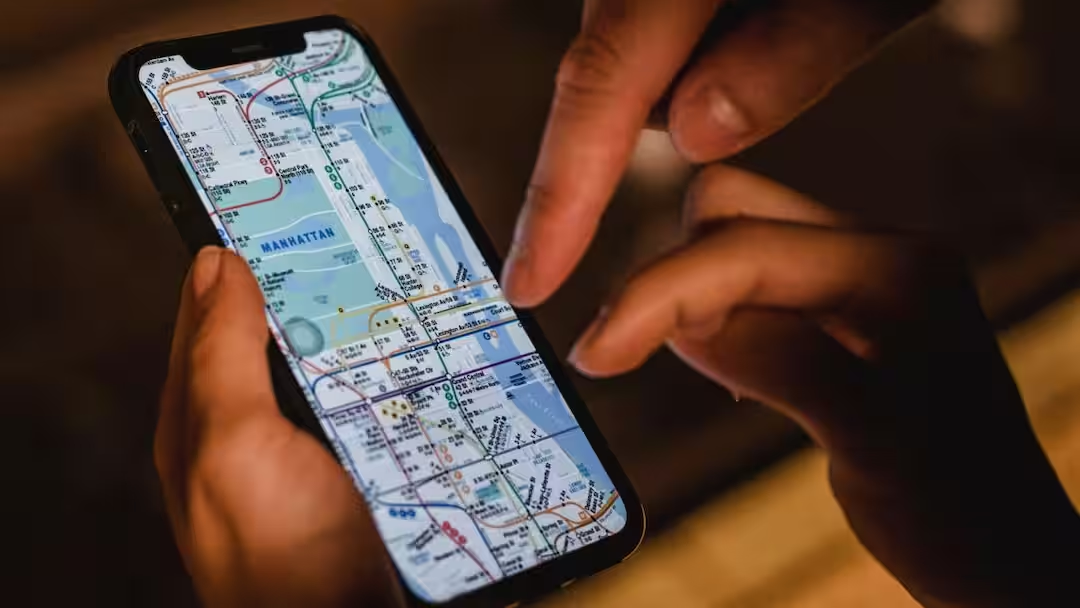
- Google Maps’ Lists feature organizes travel plans.
- This feature is extremely helpful for traveling and daily use.
- Travel easier by adding favorite places to your list.
Google Maps Lists Feature: Google Maps is a widely used app today by people to get directions. With the help of Google Maps, people use it for everything from finding routes while travelling, to finding restaurants and petrol pumps. But even today, most people do not know about one feature of Google Maps, with the help of which people can make their travel planning even easier. Yes, actually, in Google Maps, users get a feature called List which provides the users the option to organize their travel.
This new feature of Google Maps
For your information, let us tell you that Google Maps Lists is an in-built tool that allows you to save the places of your choice in different lists. If you are preparing for a trip or are planning to travel in the near future, then this feature is going to be very useful for you. Through this list, you can make a list of restaurants, cafes of your trip which can make your trip a lot of fun.
Very useful feature for these people
This feature of Google Maps is very useful for those people who often travel or go on trips. However, this feature can also be very useful for people who go on holidays once or twice a year. Let us tell you that by creating a separate list for any one city or country, you can add hotels, restaurants, tourist spots, shopping areas and other important locations in it.
Works even for daily use
It is not at all the case that this feature of Google Maps is useful only during travelling, rather this app is also known for people’s daily use. Let us tell you that you can save the new cafes, restaurants, parks or places worth visiting in your city and can go there when you get time.
Saved places are visible
Let us tell you that the biggest special thing about this feature of Google Maps is that whatever location or places you save on the app, it gets saved as an icon in your app and is also visible when you open the app.
How to make a list for yourself
You can also create a new list for yourself on Google Maps. For this, first of all you have to open Google Maps and go to the You tab. After this, select the option of New List here, name the list and if you want, add an icon or emoji so that it can be easily identified.
After this, search for the place you want to save and add it to the list created by you. This way all your favorite locations remain safe in one place.
Also read:
AC or Dehumidifier! Which is more effective in eliminating moisture from the room? Know what is the difference between the two technologies




