Google Chrome also drains the phone’s battery. Let us tell you that Google Chrome is considered to be the most famous app for internet browsing, but keeping many tabs open simultaneously puts more load on the RAM and processor. Apart from this, advertisements, auto-refresh and background processes present on websites can also increase battery consumption.

YouTube is considered one of the most battery consuming apps. Watching HD or 4K videos for a long time, keeping the screen on continuously and using the internet continuously causes the phone’s battery to drain very fast. If video or music continues to play in the background, the battery consumption increases further. In such a situation, if not needed, keep the video quality on Auto or 720p. Use Wi-Fi to watch videos for longer periods of time.
Apart from this, Gmail appears to be a lightweight app but it constantly syncs in the background to check for new emails. Battery consumption may increase further if multiple email accounts are connected. Therefore, set Auto Sync as per requirement. Delete useless email accounts. Reduce the number of push notifications. Reduce background data usage.
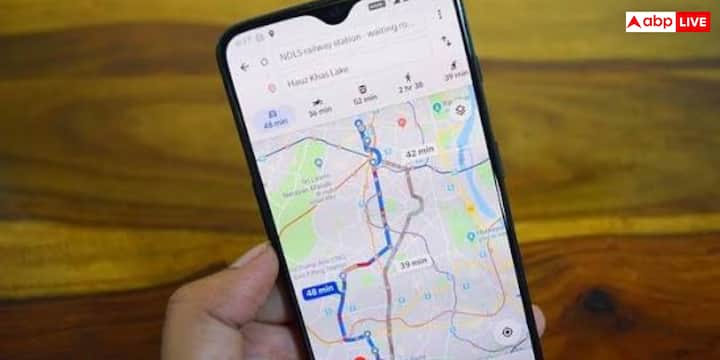
Google Maps is a navigation app used all over the world. But this app uses GPS, Internet and screen simultaneously during navigation, due to which the phone’s battery drains very fast. If the location is always on then the battery keeps getting consumed even in the background.
Let us tell you that if you have smart speakers, smart lights or other smart devices in your home, then the Google Home app constantly maintains contact with them. This is why it keeps draining battery in the background, especially when location and Bluetooth are always on. That’s why keep Bluetooth and Location on only when needed. Reduce background activity. Keep any smart devices you are not using disconnected. Always keep the app updated to the latest version.
Now if you also want to make your smartphone’s battery last longer, then you will have to follow some important things. Check the Battery Usage section of the phone from time to time. Turn off background activity of apps you use less. Keep screen brightness on Auto or low.
Apart from this, keep unnecessary location, Bluetooth and Wi-Fi off. Keep updating all the apps from time to time as new updates also include battery optimization. Close apps running in the background when not needed.
Published at : 29 Jul 2026 06:09 PM (IST)
Tags :
Google Apps TECH NEWS HINDI
technology photo gallery




