- There can be many reasons for a WiFi connection problem, such as too many devices being connected.
- Incorrect location of the router or interference may weaken the connection.
- Other electronic devices can interfere with the WiFi signal, causing problems.
- Restarting the router may also resolve WiFi connection problems.
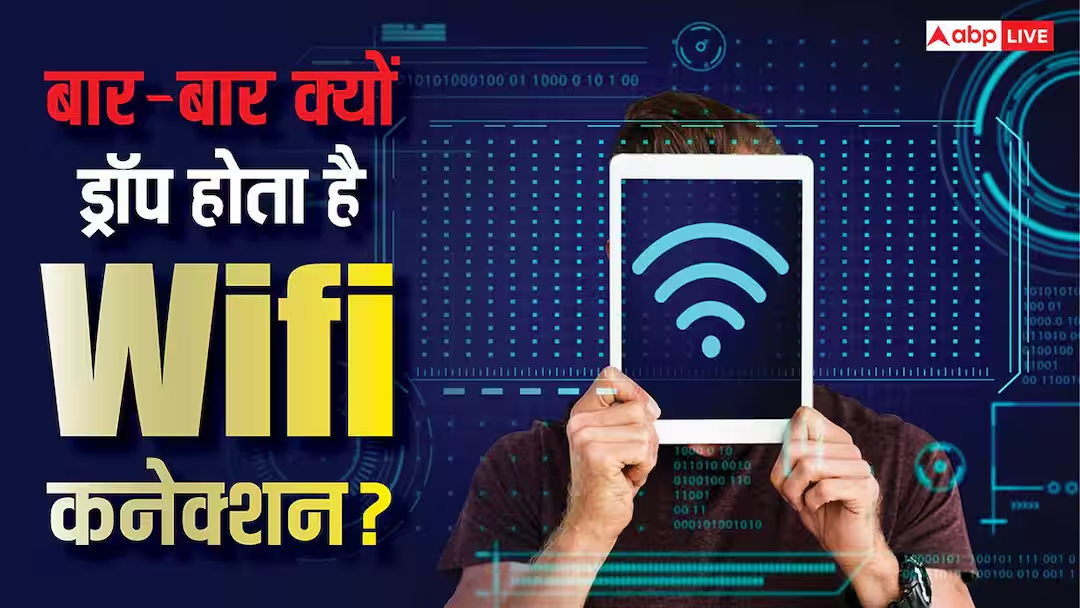
WiFi Connection Tips: Whether you are watching a movie or completing important office work, if the WiFi connection is not stable then there will be no fun in any work. If your WiFi connection is getting disconnected again and again then the whole fun gets spoiled and it takes more time to complete the work. Many reasons can be responsible behind this problem. Today we will know why WiFi connection starts getting disconnected again and again and what is the solution.
More devices can be connected
If more devices are connected to your WiFi network then there may be a problem in connection. In fact, nowadays a person has many gadgets including smartphones, tablets and laptops, which are connected to WiFi. In such a situation, it is common for the number of connected devices to be high. You can free up the network by disconnecting the devices you are not using.
Router location
The location of the WiFi router is also important for the connection. If the router is far from your device then the signal strength reduces. Similarly, if there is any wall or physical object in the way of connection, the connection may also drop. To avoid this, always use WiFi by keeping your device close to the router. If you want, you can also place the router at a higher place.
radio interference
Many times, there are problems in WiFi connection due to the items kept in your house. Radio interference occurs from items like Bluetooth devices, smart TVs and microwave ovens. In this, connections start overlapping, due to which the signals become weak and you are not able to enjoy fast internet. If multiple routers are being used simultaneously at some place, then this problem can also arise. This problem can be solved by changing the channel of WiFi.
Router may need a break
If your router suddenly starts giving problems while working perfectly, then it needs a break. Actually, the router keeps working continuously, due to which sometimes there may be problems in its functioning. To overcome such problem, turn off the router for some time and then restart it. This will solve the connection problem.
Read this also-
This electric stove cooks like LPG, will it be a game changer?