- This mode saves the phone’s battery by turning off the mobile network.
- In case of network problem, reconnect the phone to the network.
- Work by concentrating without interruption by avoiding calls and notifications.
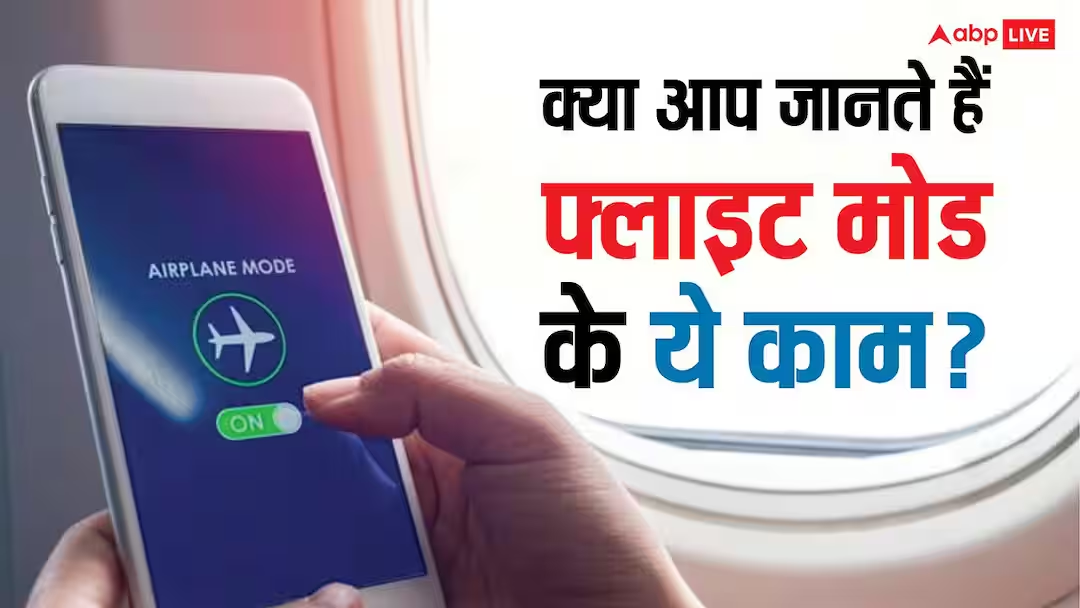
Flight Mode: Whenever we travel by air, we do not forget to turn on airplane or flight mode. Most people think that it is used only in flights but the truth is far different from this. The flight mode of the smartphone can be useful in many places about which very few people know.
This not only helps in saving battery but also helps in improving the performance of the phone. Let us know three such benefits of flight mode which can make your everyday life easier.
Easy way to save battery
If your phone’s battery is draining rapidly and the charger is not available nearby, then flight mode can prove helpful for you. As soon as this mode is turned on, services like mobile network, calling and data of the phone stop.
The phone does not need to constantly search for network signals, which reduces battery consumption. Especially in places where the network is weak, flight mode can significantly increase battery life. This feature proves to be very useful during traveling or in emergency.
Fix phone network problems immediately
Many times the network disappears in the phone or the internet does not work properly. In such a situation, people restart the phone but an easier way is flight mode.
Just turn on flight mode for a few seconds and then turn it off. By doing this, the phone connects to the network again and often minor problems related to network or internet are fixed. This method also saves time and there is no need to restart the phone again and again.
Work and rest without interruption
Repeated calls and notifications can distract you while you are in a meeting, studying, preparing for an exam or just relaxing at night. In such times, flight mode is a great solution.
When you turn it on, all calls, messages and mobile data are stopped, which gives you peace. The special thing is that if you want, you can turn on Wi-Fi separately and use the internet even after flight mode is on. Due to this, important online work continues and unnecessary things also do not come up.
Also read:
Who is using your Wi-Fi? Find out like this in 5 minutes