- Check internet connection, factory reset is a last resort.
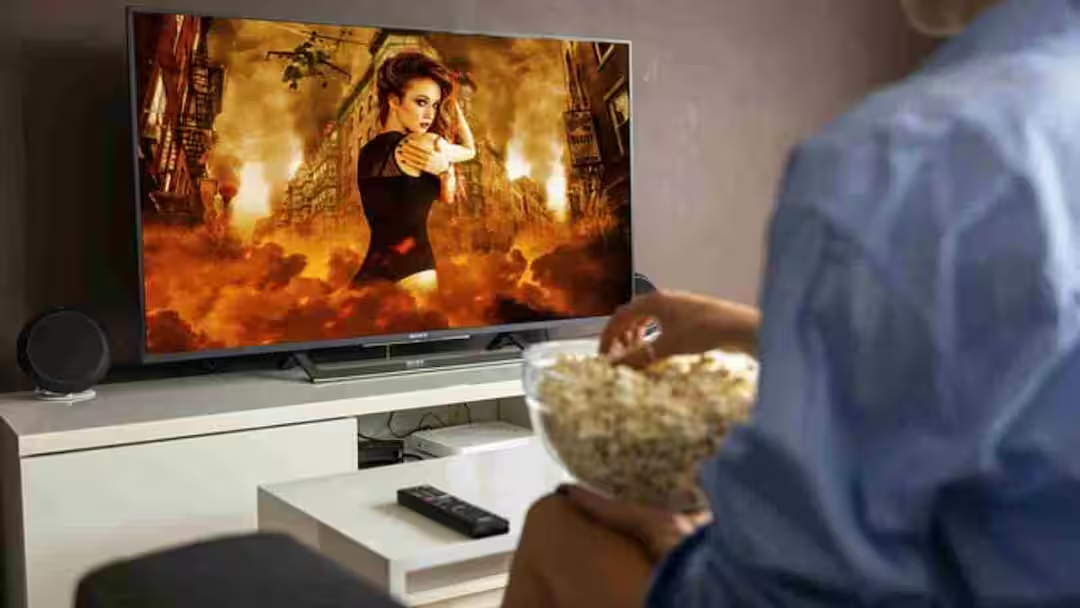
Smart TV Tips: Nowadays, Smart TV is present in every home and has become a major source of entertainment. But as time passes, many users face a common problem – TV hanging frequently, running slow or apps not working properly. The good thing is that by adopting an easy trick you can make your old Smart TV faster again.
Why does Smart TV become slow?
Like smartphones, apps, cache data and software updates keep getting accumulated in Smart TV also. Over time, these things fill up the storage and affect the performance of the TV. When there is too much pressure on RAM and storage, apps take time to open, videos start getting stuck and sometimes the entire system even freezes.
This trick will change the speed of TV
If your Smart TV is hanging repeatedly then the most effective way is to clear the cache and remove unwanted apps. You can clear the cache data of every app by going to the settings of the TV. This removes useless files and gives the system breathing space. Also uninstall the apps which you do not use. This will free up storage and improve speed.
Restart and update are also necessary
Many people keep using the TV without switching it off for months, due to which the system becomes slow. It is necessary to restart the TV from time to time so that the background processes can stop. Also, don’t ignore software updates. New updates include bug fixes and performance improvements that make your TV work better.
Internet connection is also important
Many times the problem is not in the TV but in the internet. Slow or unstable Wi-Fi connections cause videos to buffer and the TV to hang. In such a situation, restart the router or use a better speed connection. If possible, direct connection through LAN cable can also give a better experience.
factory reset last option
If the TV is still slow even after taking all the measures given above, then you can choose the option of factory reset. This makes the TV as good as new but keep in mind that all your data and apps will be deleted.
A little care will give you a smooth experience
Keeping a Smart TV fast and smooth is not difficult. It is just necessary to clear the cache from time to time, remove unnecessary apps and keep the system updated. By keeping these small things in mind, you can keep your old Smart TV running like new for a long time and enjoy your favorite shows without any interruption.
Also read:
iPhone will lock as soon as you speak from a distance! Most people don’t know this secret feature