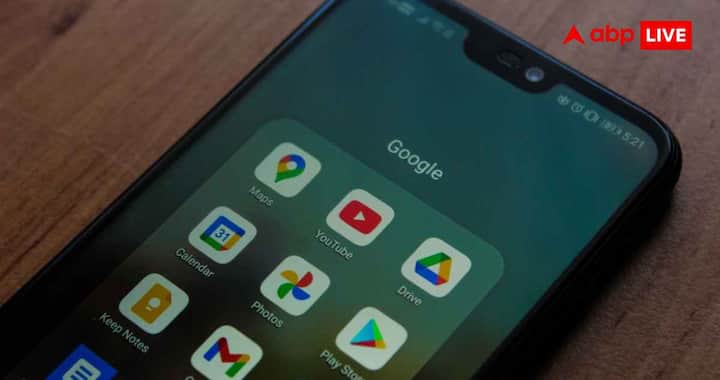
If your phone has fallen, water has entered it or it is repeatedly getting heated, then the internal parts may be affected. Many phones automatically turn off and restart when they get too hot so that the internal parts do not get damaged. Apart from this, old or bad battery, dust in the charging port or dirt stuck in the power button can also become the reason for frequent restarts. Many times the phone cover or other accessories put pressure on the power button, which can also cause this problem.

The phone may restart automatically even if the phone’s operating system or installed apps are not working properly. Old software, errors in system files, conflict between apps or bugs in any app can cause this. Even if the phone’s storage is almost full, the pressure on the system increases and the phone starts slowing down and restarting.

If the condition of the phone is fine, the software is also updated, yet the phone is restarting again and again, then it could be due to malware or virus. Such harmful programs affect the system of the phone and can spoil its normal working system. Apart from frequent restarting, this can also affect the speed, data and security of the phone.
If a new software update is available in the phone, install it immediately. Along with this, keep all the apps updated. If your storage is almost full, free up space by deleting unnecessary photos, videos, apps, and other files. Many times the problem of restarting the phone gets resolved automatically.
Turn off the phone and carefully clean the dust or dirt around the charging port and power button. Also, remove the phone cover, stand or other accessories for some time and use it. If the power button is being pressed due to some accessory, then the problem can be solved. If Android users want, they can also check whether the problem is not caused by any third party app by running the phone in Safe Mode.
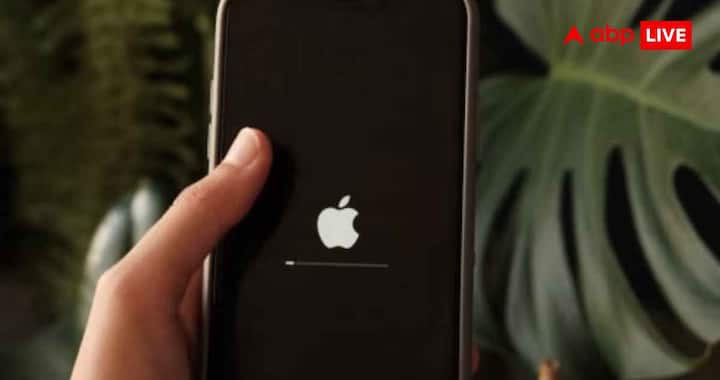
If the phone keeps restarting even after trying all the steps, it may be necessary to get the battery checked, especially if the phone is old. If needed, the phone can also be factory reset, but before that definitely take a backup of your important data. If the problem does not go away even after this, then the best option is to show the phone to a service center or a technical expert.
Published at : 12 Jul 2026 05:55 PM (IST)
technology photo gallery




