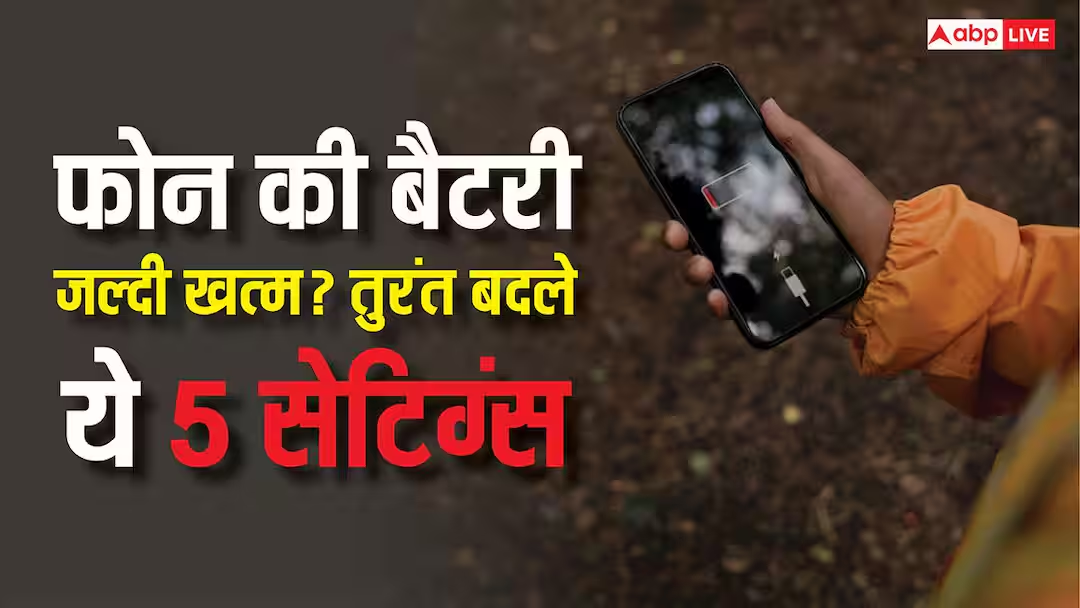
Phone Battery Life: In today’s time, phone has become an important part of everyone’s life, in such a situation many people complain that their phone’s battery is draining much faster than before. Where earlier it used to last for a long time on a single charge, now its battery lasts only for 1 to 2 hours. In most of the cases, the reason for this is not the fault of the phone but some wrong setting in the phone.
This is the reason why the phone’s battery drains quickly. The good thing is that these can be easily fixed with some functions of the settings, let us tell you complete information about it.
Maintain correct screen brightness and timeout settings
The first settings are screen brightness and timeout. That is, most of the people use their phone by increasing the brightness of their phone very high, due to which it drains more battery of the phone. Therefore, it is important that you always keep the auto brightness option on in your phone. With this the phone will control the brightness of the phone as per its need. Apart from this, most of the people have selected 5 minutes or 30 minutes in the screen timeout option, in such a situation the screen remains on even when the phone is not in need. In such a situation, you should keep the screen timeout between 30 seconds to 1 minute.
Also read: Gadgets For Students: These gadgets are very useful for students, check the list immediately
Control apps running in the background
Talking about the second most important setting, it is background app refresh, that is, many apps keep running in the background even after the phone is turned off, and keep using the internet continuously, due to which the phone drains its battery even when not used. In such a situation, this option should not be kept on always, access should be given to the apps as per the need.
Pay attention to settings like GPS and auto sync
GPS is constantly on in most people’s phones, due to which the phone’s battery keeps draining continuously. Therefore, you can control this option from the option named Location Service in the settings. Apart from this, auto sync remains on in every app, that is, getting notifications in your phone means that the phone keeps checking the data with the help of internet again and again. In such a situation, syncing of apps which do not require notifications should be stopped.
Apart from this, if you are not able to understand all these options, then the easiest way is to keep the battery saver on in your phone. This feature is present in most every phone. In this mode, the phone automatically controls the apps running in the background.