- Privacy is protected; Gemini does not train directly on data.
Google Gemini Personal Intelligence: Google has launched its new Personal Intelligence feature in India, which will make Gemini smarter and more personal than ever. Through this feature, users can connect their different Google apps together and get custom answers from AI on the same basis.
What is Personal Intelligence?
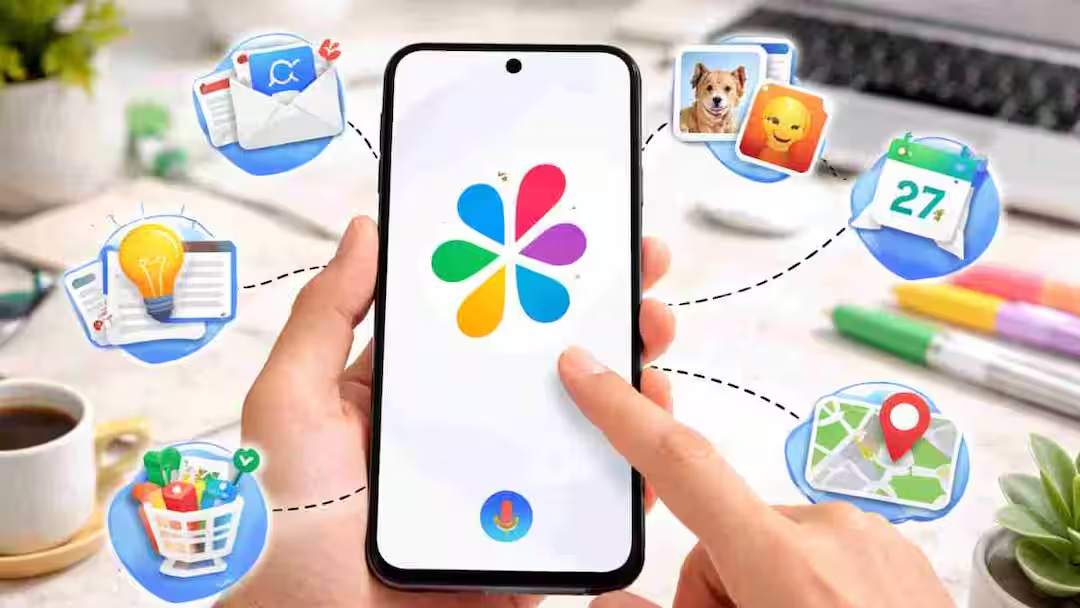
Personal Intelligence is a feature that gives you more accurate and useful information by understanding your data. This feature specifically does two things. First, to extract the necessary information from your email or photo and second, to prepare a complete answer by combining information received from different places. When you connect Gmail, Google Photos, YouTube and Google Search to Gemini, it understands text, photo and video and answers your questions.
How is this feature useful?
Suppose you are planning a holiday. In such a situation, Gemini can extract flight booking information from your Gmail, view screenshots of locations saved in Photos, and add information about trending places based on videos watched on YouTube. In this way, you do not need to open different apps and gather information, Gemini itself combines everything and makes a complete plan.
Can there be mistakes in this?
Google has admitted that this feature is not completely perfect yet. Sometimes it can lead to excessive personalization and draw wrong conclusions. For example, if many of your photos are of a golf course, then Gemini may assume that you like golf, whereas the real reason may be something else. In such cases the user can also repair Gemini directly.
How safe is your privacy?
According to the company, Gemini does not train directly on data from your Gmail or Photos. It is limited only to the question given by you and its answer. Also, it tries to avoid unnecessary speculation on sensitive topics.
How to setup in India?
This feature is currently being released for select users (AI Plus, Pro and Ultra plans) and will gradually reach everyone. The special thing is that app connections are closed by default, that is, you yourself decide which app to add.
How to setup
- First open Gemini app or website
- Go to Settings
- Find Personal Intelligence option
- Connect Gmail, Photos, or other apps by going to Connected Apps
On which platforms will it be available?
Once this feature is activated, you can use it on all three platforms: Web, Android and iOS.
Google says that this feature will get even better in the coming time. The company wants to make it such a smart assistant that can help you by understanding your needs in advance. With this new feature, it is clear that AI will no longer be limited to just questions and answers, but is rapidly moving towards understanding your digital life and making it easier.
Also read:
In just 1 minute you will know whether the water is clean or dirty! Smartphone will test with this new technology