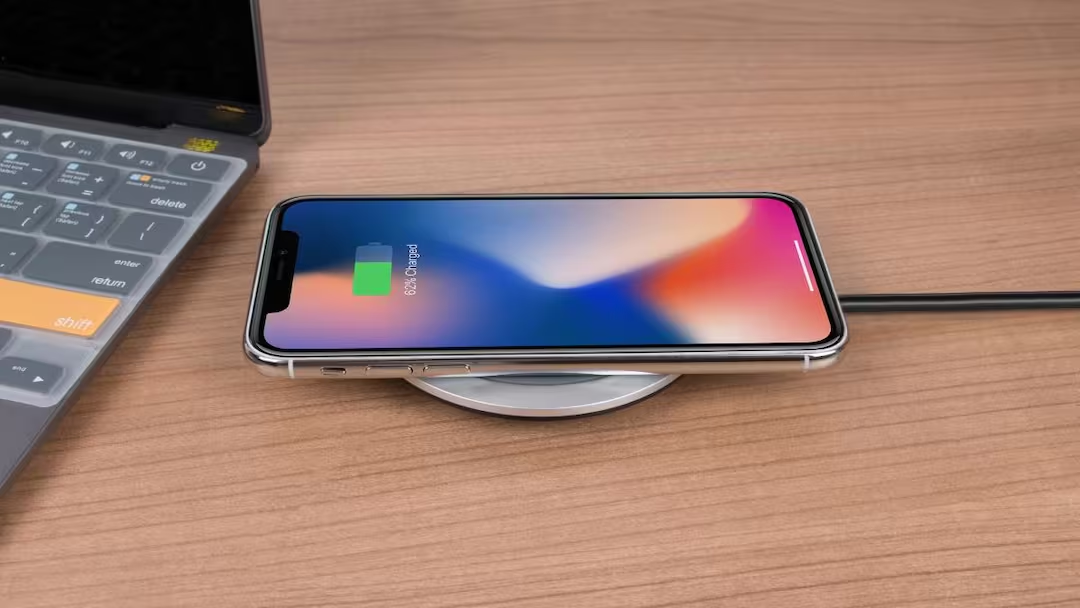
- Reverse charging drains the phone’s battery quickly, be careful.
iPhone Reverse Charging Feature: Today people get to see many advanced features in smartphones which make their daily work easier. Along with this, now smartphone manufacturing companies have gone ahead and introduced reverse charging feature with the device. Earlier this thing was rarely seen. But today reverse charging feature can be seen in almost all premium and flagship smartphones. But whether more devices can be charged with this feature or not, this question arises in the minds of many people.
What is Reverse Charging feature?
According to the information, Reverse Charging is a technology in which your smartphone becomes a power source instead of a power receiver. This means that the battery present in the phone starts charging other devices also. Let us tell you that wireless earbuds, smartwatches or other small devices can be charged from the phone’s battery. Let us tell you that this feature is very useful when one of your devices gets discharged and you do not have its charger. In such a situation, you can charge your device using this feature.
Can charge any device?
If you are thinking of charging any device with this feature then it is not possible. Actually, the power of Reverse Charging feature of iPhone is not enough to charge any device. With this, only some small devices can be charged in case of emergency.
How is this feature used in iPhone?
For your information, let us tell you that Apple has provided Reverse Charging feature at hardware level in iPhone but it has not been made completely available for all the users. Let us tell you that some new iPhone models can provide limited power output through USB-C port. This means that if you connect some accessories like AirPods or other small gadgets with a USB-C cable, they can be charged with this feature.
However, unlike Android phones, iPhone does not yet have such an option by which you can easily charge any smartphone wirelessly or through cable.
Be sure to keep these things in mind
While using this feature, you must keep some things in mind. Actually, if you try to charge any other device from iPhone, then first of all use the correct and original cable only. Also keep in mind that this can drain the iPhone’s battery rapidly. Therefore, when the battery of your phone is already low then do not use this feature at all because it starts affecting the battery of your phone.
Also read:
How to share live location on Instagram? 99% people still don’t know this easy method




