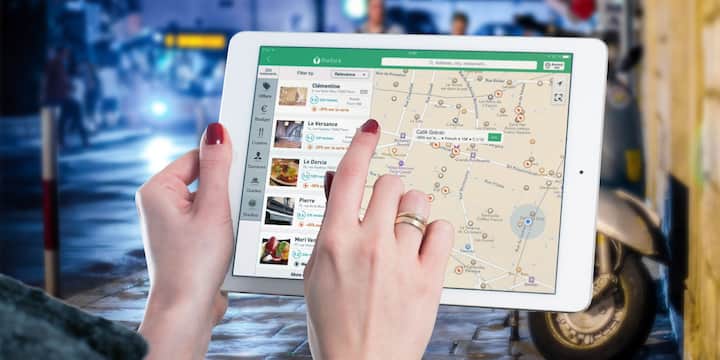
For your information, let us tell you that when your computer connects to the Internet, the Internet Service Provider (ISP) provides an IP Address. On this basis your location is estimated. However, IP based location is not always accurate. Many times it is able to give correct information only up to the city or pin code. Apart from this, there may be errors in the databases from which this information is taken. This is the reason why Google Maps sometimes shows the wrong place.
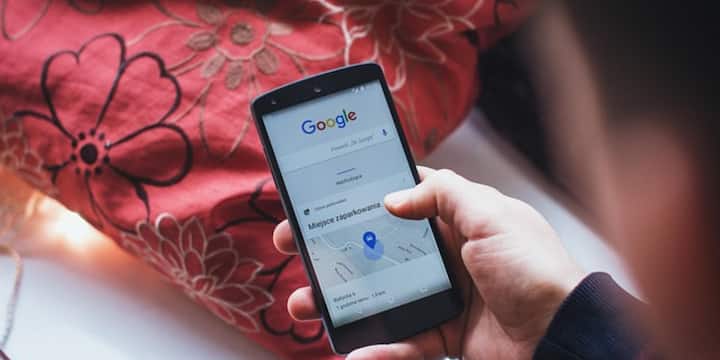
Apart from this, not only IP address but Windows and web browsers also use information like Wi-Fi, system diagnostics and GPS to better estimate your location. If the information from any of these sources is incorrect or outdated, the location of Google Maps may also appear incorrect.
Nowadays, many companies prepare digital profiles of users based on their online activity and location. This makes advertisements more personal. If your exact location is not available then it becomes a little difficult to track your activity. Therefore, many people do not want to share their exact location to maintain their privacy.
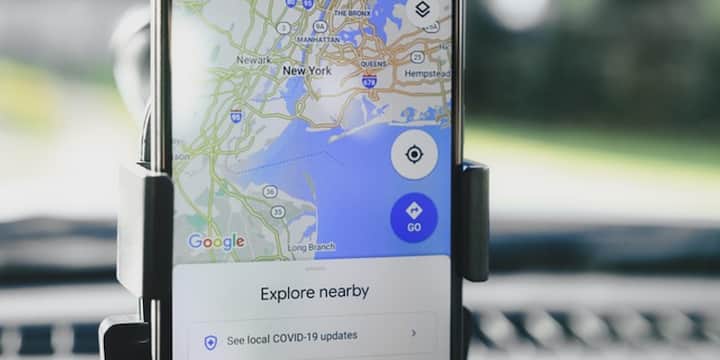
If you are in a new city, looking for directions to a hotel, restaurant or shop or planning a trip, then the right location becomes very important. By having accurate location even on PC, you can plan the route in advance and prepare better for the journey.
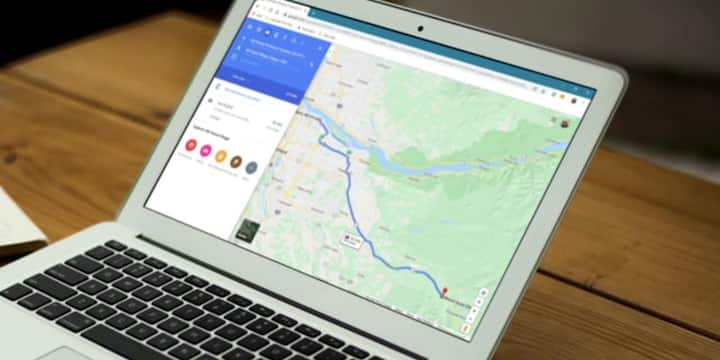
If Google Maps is showing wrong location, then first go to Settings of Windows, go to Privacy & Location and then go to Location and turn on Location Services. After this you can also decide which apps can use your location. Many times the problem goes away just by turning on this setting.
Published at : 27 Jul 2026 09:43 AM (IST)
Tags:
GOOGLE MAPS TECH NEWS HINDI
technology photo gallery