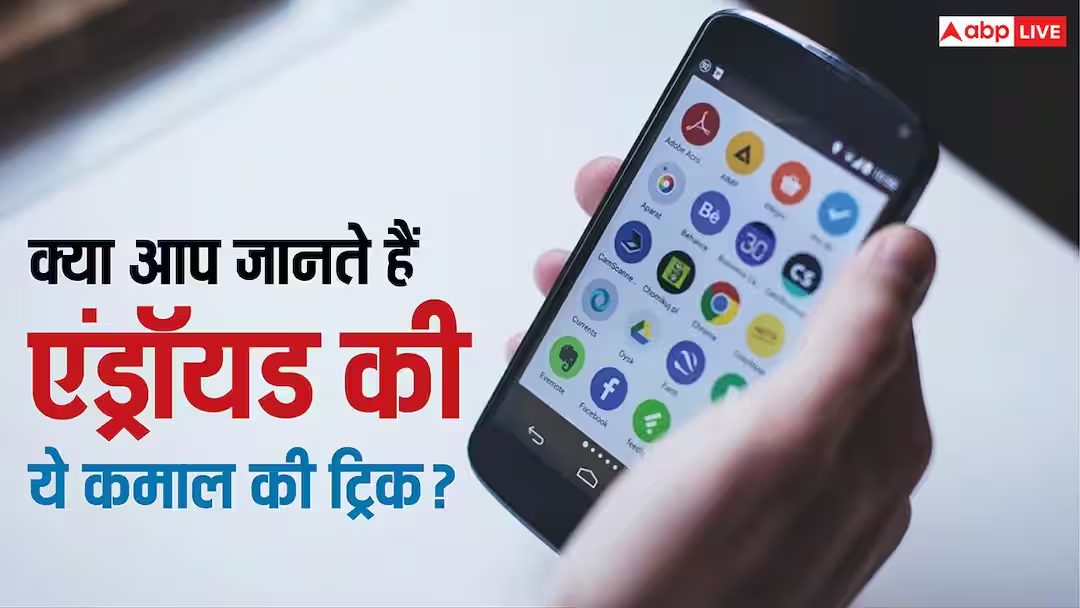
- Keep essential apps on the first screen, keeping your home screen clean and organized.
Tech Tips: Nowadays, smartphones have reached the hands of most people. People do even their most important work with the help of smartphones. Actually, the most used feature of a smartphone is its home screen where many app icons are present. But even today many people do not know about these amazing tricks of the home screen which can further improve the user’s working experience.
Use gestures and shortcuts
Many Android smartphones give users the option of Gesture and Shortcut on the home screen. Like opening the App Drawer by swiping upwards on the screen, using an app’s shortcut by long pressing it or locking the screen with a double tap. By using these features, your work gets completed faster than before and the experience of using the smartphone also improves.
Use widgets smartly
Let us tell you that Widgets are considered to be one of the most used features in Android. You can add widgets like Weather, Calendar, Clock, Notes, Battery or To-Do List to the home screen. Due to this, there is no need to open the app again and again and important information is visible at a glance.
Set Apps to Folder
Let us tell you that if you have many apps in your phone then keep them in different folders. For example, keep social media apps in one folder, banking apps in another, and entertainment apps in a third folder. With this, the home screen looks better than before and there is no need to search for any app.
Keep important apps on the first screen
According to the information, keep only those apps on the home screen that you use daily like Phone, WhatsApp, Camera, Gmail, Maps and Browser. Rest of the less used apps can be kept in the App Drawer. This will keep the home screen clean and important apps will be available immediately.
Keep the home screen managed
Often, after new apps are installed, their icons automatically appear on the home screen, due to which the screen starts looking scattered. That is why such settings should always be kept off and useless and less used shortcuts should be removed from time to time.
Also read:
iPhone Vs Samsung! Which phone will get more money by selling? You will be surprised to know the truth




