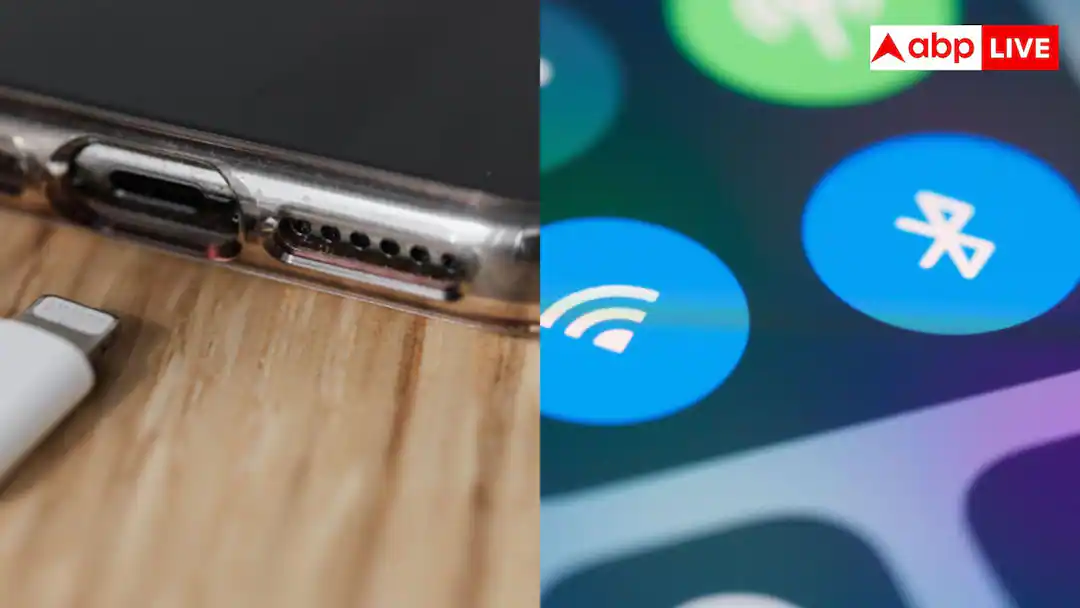
Bluetooth On Drain Battery: Keeping Bluetooth on in the smartphone has become our daily need. People keep it on throughout the day for wireless earbuds, smartwatches and car connectivity. Many times, even after finishing work, we forget to switch off Bluetooth and it remains on day and night. In such a situation, this question often comes in people’s mind whether keeping Bluetooth on all day will drain the phone’s battery quickly? Can we increase the battery life of our phone by turning off Bluetooth? Let us know…
What is Bluetooth Low Energy?
If we talk about a few years ago, at that time keeping Bluetooth on used to drain the phone’s battery really fast. However, today technology has changed a lot. Nowadays, Bluetooth Low Energy i.e. BLE technology is used in all new and modern smartphones. With the help of this technology, when your Bluetooth is not connected to any device like earphones or watch, it puts Bluetooth in sleep mode. During this time, it sends a very small amount of signal to find nearby devices, due to which even with Bluetooth on, our phone’s battery drains very little.
How much does the battery cost in a day?
If your phone’s Bluetooth remains on the whole day and is not connected to anything, then it consumes only 1% to 3% of the total battery of our phone. But when our phone remains connected to any device, the speed of battery drain increases slightly. Still, it consumes much less battery than keeping the screen on, Wi-Fi or the Internet on.
Read this also: Is the power bank charging slowly even with a fast charger? These could be the reasons
Disadvantages of keeping Bluetooth on
It is true that Bluetooth does not consume much of the phone’s battery, but keeping it on all the time can also cause some harm to you. If Bluetooth is always on, hackers can connect to your phone in crowded places and steal data from your phone. Also, when you are outside, your phone sends frequent notifications to connect to unknown Bluetooth devices. Due to which you may get worried.
Read this also: If you forget the password, you will be able to log in to your account through selfie video. Google has brought a new feature, use it like this.




