Skip to content
Saturday, July 18, 2026
  • About Us
  • Contact Us
  • Terms & Conditions
  • Disclaimer
  • Privacy Policy

24 Hours World News

Random posts
  • Home
  • Cricket
    • Cricket English
    • Cricket Hindi
    • Sports English
    • Sports Hindi
  • Education
    • Education English
    • Education Hindi
    • Bollywood
    • Science Hindi
  • Entertainment
    • Entertainment English
    • Entertainment Hindi
  • Astrology
    • Astrology English
    • Astrology Hindi
  • Life & Style
    • Life & Style English
    • Life & Style Hindi
  • Mobile & Tabs
    • Tech English
    • Tech Hindi
  • Business
  • Contact Us
  • About Us
  • Contact Us
  • Terms & Conditions
  • Disclaimer
  • Privacy Policy

24 Hours World News

Random posts
  • Home
  • Cricket
    • Cricket English
    • Cricket Hindi
    • Sports English
    • Sports Hindi
  • Education
    • Education English
    • Education Hindi
    • Bollywood
    • Science Hindi
  • Entertainment
    • Entertainment English
    • Entertainment Hindi
  • Astrology
    • Astrology English
    • Astrology Hindi
  • Life & Style
    • Life & Style English
    • Life & Style Hindi
  • Mobile & Tabs
    • Tech English
    • Tech Hindi
  • Business
  • Contact Us
  • Home
  • Tech English
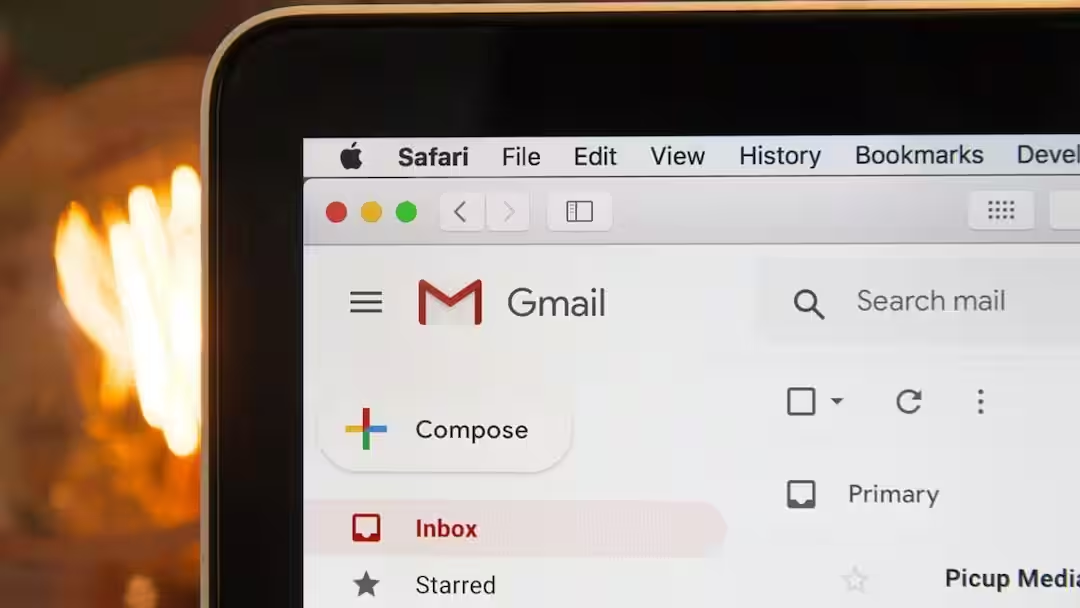
  • Attention Gmail users! By changing just one setting, important emails will stop going to Spam.
  • Tech English

Attention Gmail users! By changing just one setting, important emails will stop going to Spam.

admin2 hours ago03 mins

Tech Tips: Gmail has become one of the most important things for people today. You get important mails from office to bank through Gmail. But it is often seen that some emails automatically go to spam. Due to this, many times people are not able to see important mails on time or they miss them. But today we are going to tell you about such a setting, after which all the mails will start appearing in your inbox and will not go to spam.

Why do important emails go to Spam?

According to the information, Gmail now has an AI feature which is called Spam Filter. This feature works to identify suspicious and fake emails. However, sometimes this system mistakenly considers even the correct email as Spam. This can happen when the email has come from a new address, its content appears promotional or a similar email has previously been marked as Spam.

Use Filter

For information, let us tell you that if you often receive emails from a particular person or company, then creating a Gmail Filter for them will prove to be much better for you. For this, first of all open Gmail on the computer and click on the Show search options icon present in the search bar.

Now enter the relevant email address in the From box and click on Create filter. Now select Never send it to Spam option. Finally click on Create filter again. Now the messages coming from that email address will reach directly in the inbox.

How to get email back

Let us tell you that if any of your important emails has reached Spam, you can easily bring it back to your inbox. For this some important steps will have to be followed.

Open Gmail on your computer.

After this, open the Spam folder by clicking on More on the left side.

Now open the required email.

Now click on the Not spam option visible above.

After this, Gmail will start recognizing further messages coming from the same email address and the chances of them going to Spam will reduce.

How to make settings in mobile app

Today, Gmail remains open in most people’s smartphones also. The option to create filters in the mobile app is not currently available. However, emails arriving in Spam can be sent back to the correct category. For this, open Gmail app and go to Spam folder. Now open the concerned email here and tap on the three dots given above. Now select the option of Report not spam or Not spam.

Also read:

Why do some laptops have 2 charging ports? Know what is the reason

Source link

admin
admin
Tagged: Email Management email security Email Settings Email Spam gmail Gmail Filters Gmail Guide Gmail Help Gmail Inbox Gmail Settings Gmail Spam Gmail Spam Fix gmail spam problem Gmail Tips Gmail Tricks Gmail Tutorial Google Gmail google tips important email Important Emails inbox spam email Spam Email Fix spam fix Spam Folder TECH NEWS TECH NEWS HINDI tech tips

Post navigation

Previous: पीवी सिंधु ने चेन युफेई का झंझट तोड़ा, जापान ओपन के फाइनल में पहुंचने वाली पहली भारतीय महिला बनीं | बैडमिंटन समाचार
Next: नया पैसा? भारत की मुद्रा को जल्द ही प्लास्टिक का रूप मिल सकता है

Leave a Reply Cancel reply

Your email address will not be published. Required fields are marked *

Related News

These tasks are necessary before selling a phone with eSIM, factory reset alone will not help.

admin3 hours ago 0

Why does the phone’s battery drain quickly in the rain? You will also be surprised to know the reason

admin4 hours ago 0

If it falls, there is no fear of breaking, Samsung brought this amazing technology for foldable phones.

admin5 hours ago 0

Why did microSD card slots disappear from premium smartphones? You will also be surprised to know the real reason

admin10 hours ago 0

Trending News

Entertainment English
The Odyssey Box Office Day 1: ‘The Odyssey’ broke Oppenheimer’s record as soon as it arrived, became Christopher Nolan’s biggest opener in India

Recent Posts

  • The Odyssey Box Office Day 1: ‘The Odyssey’ broke Oppenheimer’s record as soon as it arrived, became Christopher Nolan’s biggest opener in India
  • ‘वह वह सब कुछ थे जो हम बनने का सपना देखते हैं’: सुनील गावस्कर की गैरी सोबर्स को भावभीनी श्रद्धांजलि | क्रिकेट समाचार
  • ‘मेसी ला मासिया के लिए गर्व का स्रोत’: बार्सिलोना के अध्यक्ष जोन लापोर्टा ने अर्जेंटीना बनाम स्पेन फाइनल से पहले बड़ा बयान दिया | फुटबॉल समाचार
  • एटीएमए जुलाई परिणाम 2026 आज जारी होने की संभावना: एआईएमएस atmaaims.com पर स्कोरकार्ड जारी करेगा; यहां डाउनलोड करने का तरीका बताया गया है
  • अमिताभ बच्चन फीफा विश्व कप 2026 के बारे में बात करते हैं: कहते हैं कि हर खिलाड़ी एक ‘सुपरस्टार’ है, हालांकि खेल कोचों के हाथ में है |

Archives

  • July 2026
  • June 2026
  • April 2026
Newsmatic - Copyright © 2026 24Hoursnews. All rights reserved. For reprint rights. Powered By 24HoursNews.
  • Privacy Policy
  • Contact Us

