- You can set a different password by activating it from settings.
Android Privacy Feature: In today’s time, smartphones have become the biggest treasure trove of our personal information. Sensitive information like banking apps, private photos, documents, chats and social media accounts remain present in the phone itself. In such a situation, security and privacy have become more important than ever.
Interestingly, many smartphones running Android 15 or newer have a very useful privacy feature, but it is not turned on by default. This feature creates a separate and secure digital space inside your phone.
What is Private Space and Secure Folder?
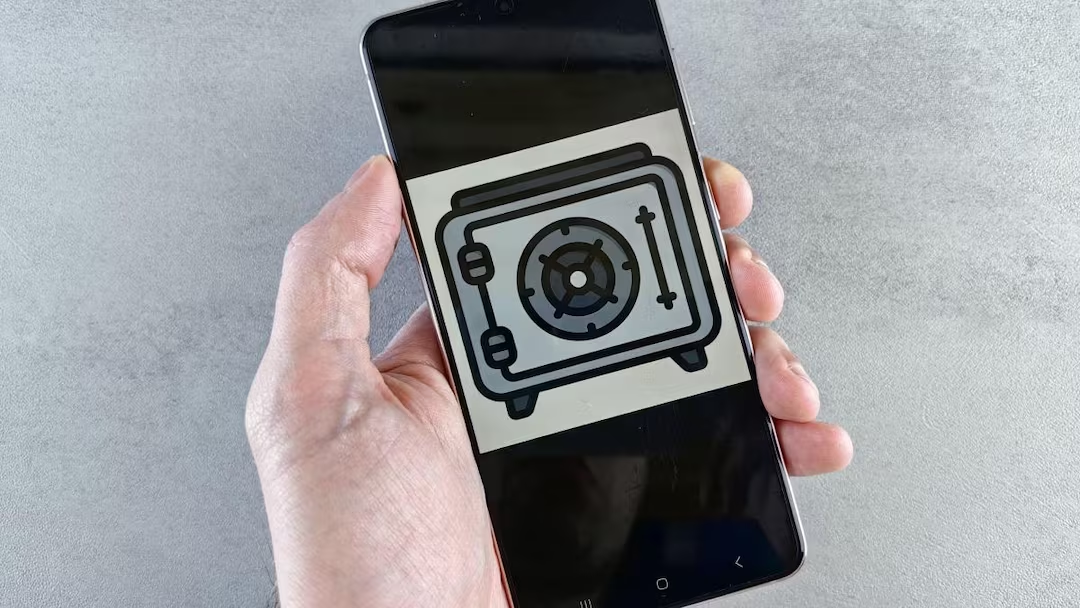
In Google Pixel and some other Android devices, this feature is called Private Space whereas in Samsung smartphones it is known as Secure Folder.
If you understand it in simple language, it is another secure section inside your phone which works completely separately from the main profile. Here you can install apps, store files, and protect them with a different password, PIN, or pattern. It works like a digital locker where the data kept is separate from the normal phone profile.
Why is this feature so special?
The biggest advantage of Private Space or Secure Folder is that the apps installed here cannot easily access the data of your main profile. For example, you can keep banking apps in a separate secure space. You can use private chatting apps secretly.
You can use a different Google account or profile. Important documents and files can be stored safely. With this, your sensitive information remains protected to a great extent from normal apps and data tracking.
How to turn on Private Space in Android?
If your phone is running Android 15 or newer and supports this feature, then go to Settings > Security & Privacy > Private Space to activate it.
After this you will have to login with Google account and set a separate lock. For safety, this lock should be separate from your main phone lock.
How to setup Secure Folder in Samsung phone?
Samsung Galaxy series smartphones:
Settings > Security & Privacy > More Security Settings > Secure Folder
Go to.
To start Secure Folder, a Samsung account is required. Here you cannot create a separate Google profile but you get the facility of secure storage and app isolation.
Also read:
Are your Smart TV, Camera and Fridge on the Internet? Is someone secretly watching you?