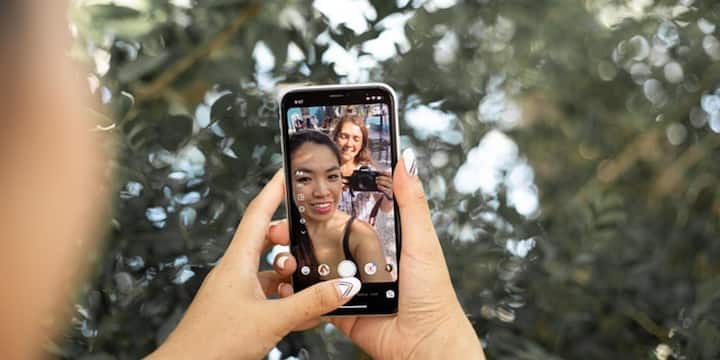
Are you troubled by spam messages on Instagram? In such minutes you will get relief forever

Let us tell you that in Instagram, users get a spam filter feature which is designed to protect users from spam messages. Actually, this feature identifies suspicious accounts and messages and separates them from your main chat. With this, only important messages appear in your inbox.
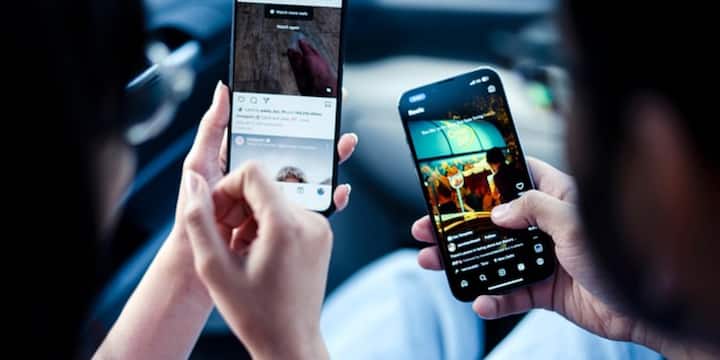
Let us tell you that in Instagram, users get a spam filter feature which is designed to protect users from spam messages. Actually, this feature identifies suspicious accounts and messages and separates them from your main chat. With this, only important messages appear in your inbox.

Let us tell you that with the help of this feature, users can avoid clicking on fake links or becoming victims of online fraud. In such a situation, if you use Instagram app then you can use this feature by following these easy steps.
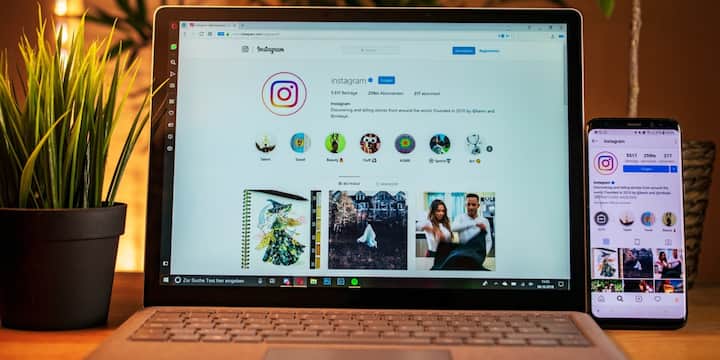
Let us tell you that with the help of this feature, users can avoid clicking on fake links or becoming victims of online fraud. In such a situation, if you use Instagram app then you can use this feature by following these easy steps.

First of all open Instagram app. After this go to your profile. Now tap on the three lines (Menu) icon given at the top right. After this go to Settings and Activity. Here Messages and Story Replies option will appear, click on it. After this tap on Message Controls. Here you can decide who can send you messages and whose messages will go directly to Message Requests.

First of all open Instagram app. After this go to your profile. Now tap on the three lines (Menu) icon given at the top right. After this go to Settings and Activity. Here Messages and Story Replies option will appear, click on it. After this tap on Message Controls. Here you can decide who can send you messages and whose messages will go directly to Message Requests.

Not only this, with the help of this feature you can apply filters for unknown people and suspicious accounts so that they will not be able to send you messages. After these settings, spam messages will be reduced to a great extent.

Not only this, with the help of this feature you can apply filters for unknown people and suspicious accounts so that they will not be able to send you messages. After these settings, spam messages will be reduced to a great extent.

For your information, let us tell you that along with this feature, you should also be careful while using social media platforms. Just turning on the spam filter is not enough. Avoid clicking on any unknown link. Also block or report suspicious accounts immediately.

For your information, let us tell you that along with this feature, you should also be careful while using social media platforms. Just turning on the spam filter is not enough. Avoid clicking on any unknown link. Also block or report suspicious accounts immediately.

Do not share your personal information, OTP or banking details with anyone. Apart from this, keep updating the Instagram app from time to time so that you keep getting new safety features. Let us tell you that in today's time, this feature helps a lot in protecting users from threats like cyber fraud.

Do not share your personal information, OTP or banking details with anyone. Apart from this, keep updating the Instagram app from time to time so that you keep getting new safety features. Let us tell you that in today’s time, this feature helps a lot in protecting users from threats like cyber fraud.

Published at : 13 Jul 2026 03:59 PM (IST)

technology photo gallery

Source link

Leave a Reply

Your email address will not be published. Required fields are marked *

