- Google brings automatic backup feature, storage problem will end.
- This feature will auto backup the phone files on PC.
- File transfer without internet, part of Android Quick Share.
- Free up storage, keep important files safe even if you delete them from the phone.
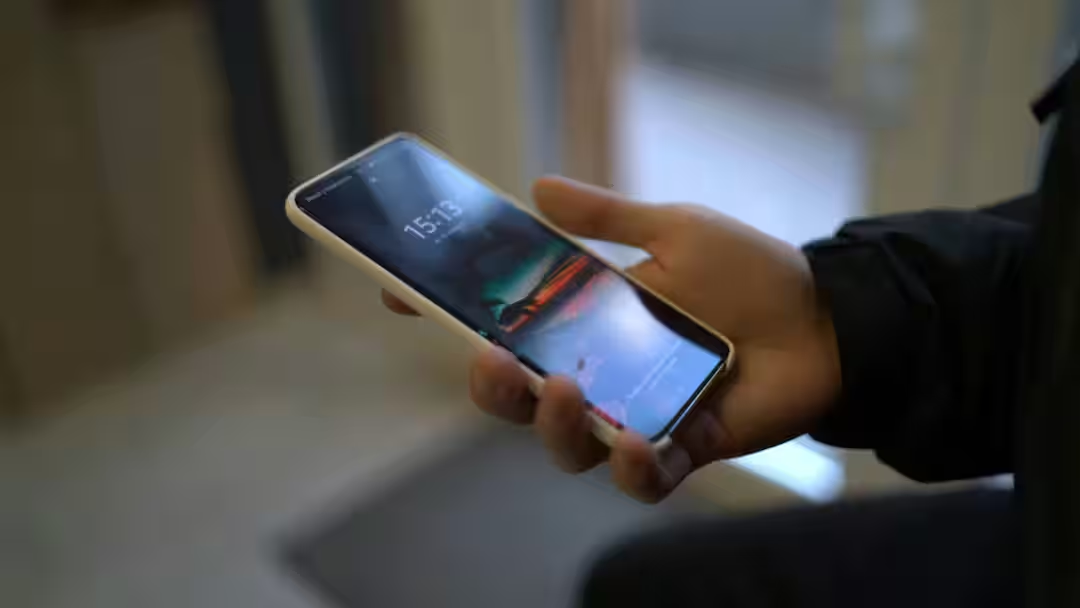
Google Automatic Backup: It is common for smartphone storage to be full. Even if you buy a variant with 1TB storage, after some time this storage also starts decreasing. If someone has an old phone then this problem becomes bigger. Many people become so troubled by this that they have to buy a new phone. Now, to overcome this problem, Google has planned to introduce a new feature called Automatic Backup. This feature can solve the problems related to storage. Let us know how this feature will work and what will be the benefit from it.
Automatic Backup feature seen in beta version
According to media reports, this feature has been spotted in the beta version of Google Play Services (v26.15.31). This will give the user the option to backup files from their phone to PC. Once the backup is completed in the PC, even if you delete your files from the phone, they will remain stored in the PC. In this way, you will not need to keep all the files on the phone and you will be able to free up storage.
How will the Automatic Backup feature work?
It is being told that this feature can automatically copy the files selected on the smartphone to the computer. The advantage of this will be that you will not have to upload photos and videos to the cloud first. These files will be transferred and stored on the computer. Through this option, the user will be able to store photos taken from the camera, videos and audio files captured from the camera. A toggle will be given to enable and disable this feature. If you do not want to wait for automatic syncing, then ‘Backup Now’ button will also be available in this feature. As soon as you tap on it, the phone’s photos will start getting backed up in your PC.
Automatic Backup feature will be a part of Quick Share.
This feature will be part of Android’s Quick Share and will use device-to-device transfer. This means that there will be no need for internet to transfer files. However, for this you may have to log in with the same Google account on both devices. Currently Google is working on this feature and there is no information as to when it will be rolled out for the public.
Read this also-
Tech Tips: While buying a new AC, just looking at the tone is not enough, it is also important to keep this thing in mind.