
The most important setting is Smart Features in Gmail. This feature reads your emails and makes smart suggestions, like automatically adding meeting details to your calendar. If you don’t want AI to scan your email, turn it off. In such a situation, to turn it off, go to Gmail’s Settings, then uncheck the Smart Features option in the General tab. Keep in mind that turning it off may also turn off some useful features like spell-check and smart compose.

Apart from this, another most important setting is Gemini Apps Activity. By default, Google saves your conversations with Gemini and sometimes it is also used to improve the AI model. To turn it off, you will have to go to myactivity.google.com and open Gemini Apps Activity and go to the Keep Activity option and turn it off. After doing this your new conversation will not be saved.

Smart features work not only in Gmail, but also in other Workspace apps like Google Chat, Meet and Drive. To turn it off, you will have to go to Settings and go to the Google Workspace Smart Features option and turn it off from there. You will find this option on mobile in the section on Data Privacy. Turning off this setting will also reduce personalized suggestions in Maps, Wallet and Google Assistant.
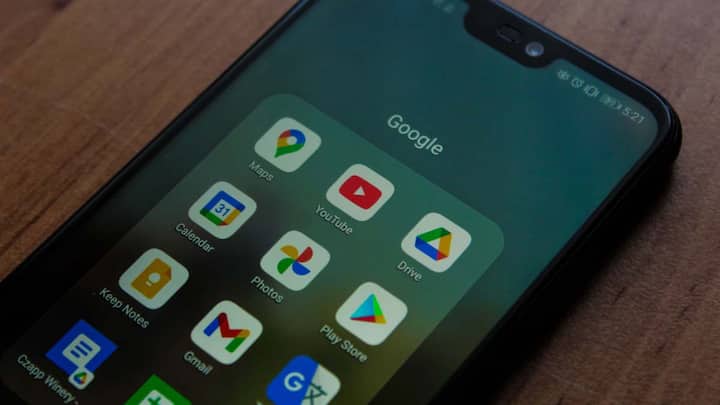
There is a feature in Gmail called Smart Features. This feature reads your emails and makes smart suggestions, like suggesting replies or automatically adding meeting details to your calendar. If you don’t want AI to scan your email, you can turn it off. For this, go to Gmail’s Settings, then uncheck the Smart Features option in the General tab.
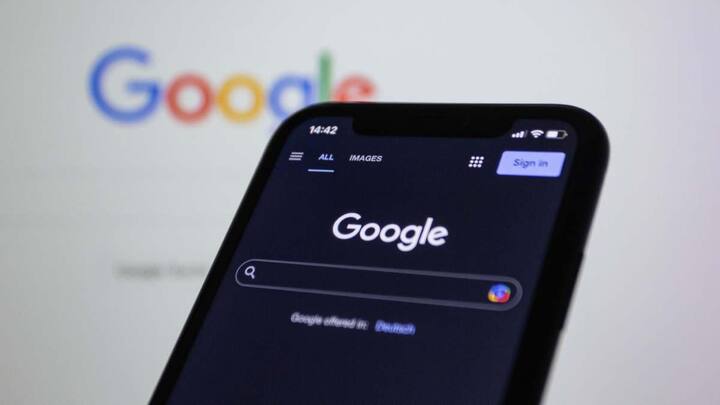
Google also saves information related to your search, location and app usage, which is called Web & App Activity. This data is also used to personalize AI features. To reduce this, go to your Google Account and open the Data & Privacy section and turn off Web & App Activity there or delete old data. By doing this your data related to browsing and search will be safe.

The last but not least setting is Ad Personalization. Google shows you targeted advertisements based on your activities, for which it uses your data. To turn it off, go to Settings of your Google Account, go to Ad Settings or My Ad Center and turn off Personalized Ads. This will limit the advertising profiles created based on your data. By checking these five settings and turning them off as per need, you can keep your personal data safe from Google’s AI tools to a great extent. Take some time and check the settings of your Google account today itself.
Published at : 12 Jul 2026 02:10 AM (IST)
Tags:
Technology News Google Privacy Settings
technology photo gallery