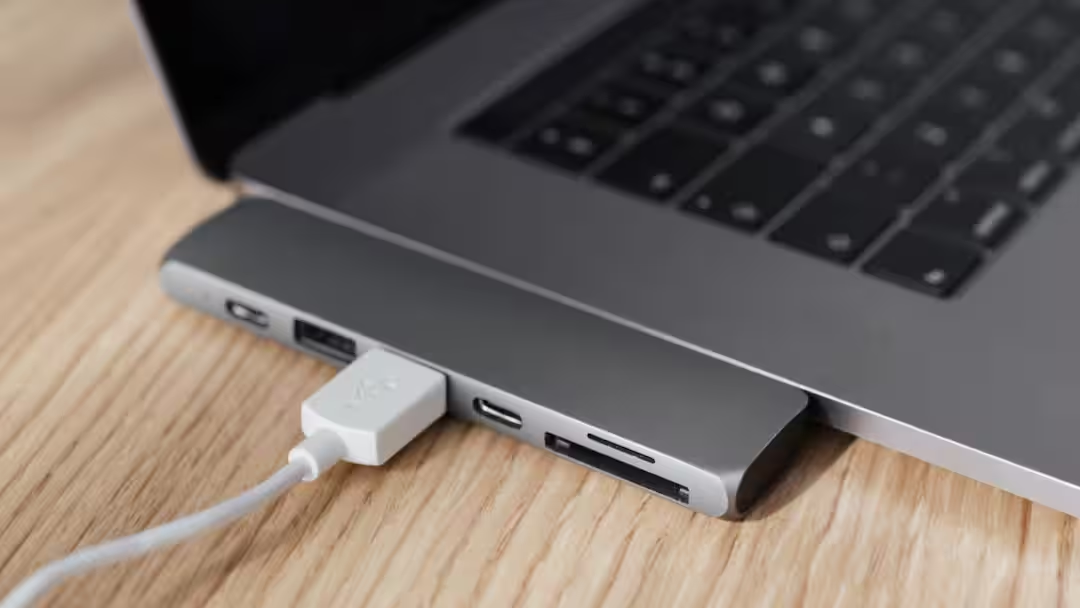
- Carefully select the right connectivity port for your needs.
HDMI 2.1 Vs USB-C Vs Display Port: It is often seen that while buying a new monitor, people check its screen size or refresh rate. But proper connectivity of the monitor is as important as other features. Let us tell you that while buying a monitor, you must check what connectivity is available in it.
Now let us tell you that in today’s time HDMI 2.1, USB-C and Display Port are quite trending in the market. But among these three, which one will be best for your monitor, there is often confusion among the people. Today we are going to tell you about these three, how they work and what is the difference between them.
hdmi
If your purpose is to watch movies, connect to TV or use gaming consoles like PlayStation and Xbox, then HDMI will prove to be the best option for you. Today, almost all TVs, soundbars, gaming consoles and media devices have an HDMI port. This port is easily available and hence its use has increased rapidly.
USB-C
Nowadays USB-C is also considered a very popular device. USB-C is becoming increasingly famous in new generation laptops and monitors. Let us tell you that the biggest special thing about this port is that it can be used as an alternate mode of display port.
This means that a single USB-C cable can send video signals as well as transfer data and, in many cases, even charge a laptop. However, not all USB-C ports or cables support this feature, so please check the device specifications before purchasing.
DisplayPort
If your computer comes with a dedicated graphics card (GPU) and you do high-end gaming, then DisplayPort can prove to be a great option for you. Its biggest special thing is that in this, users get to see many refresh rates which work to improve your gaming experience. Another special thing about this port is that users do not face problems like screen tearing or lagging. Apart from this, DisplayPort also provides high bandwidth, which provides better performance at high resolution and high refresh rate.
Who has the advantage in buying?
Now let us tell you which port will be right for you. Actually, it also depends on your need and monitor. If you have PC gaming, high refresh rate and multi-monitor setup then DisplayPort will be the best option.
At the same time, if you use TV, home theater, gaming console or OTT content a lot then buying HDMI will be right for you. At the same time, if you have an advanced laptop and a monitor with USB-C support, then USB-C can prove to be the most convenient option for you because it provides the facility of video, data and multiple charging through a single cable.
Also read: The new AI feature of Google Maps will make people’s lives easier! Food will also be ordered in one click




