- This app started appearing in some phones from June 2026 Play update.
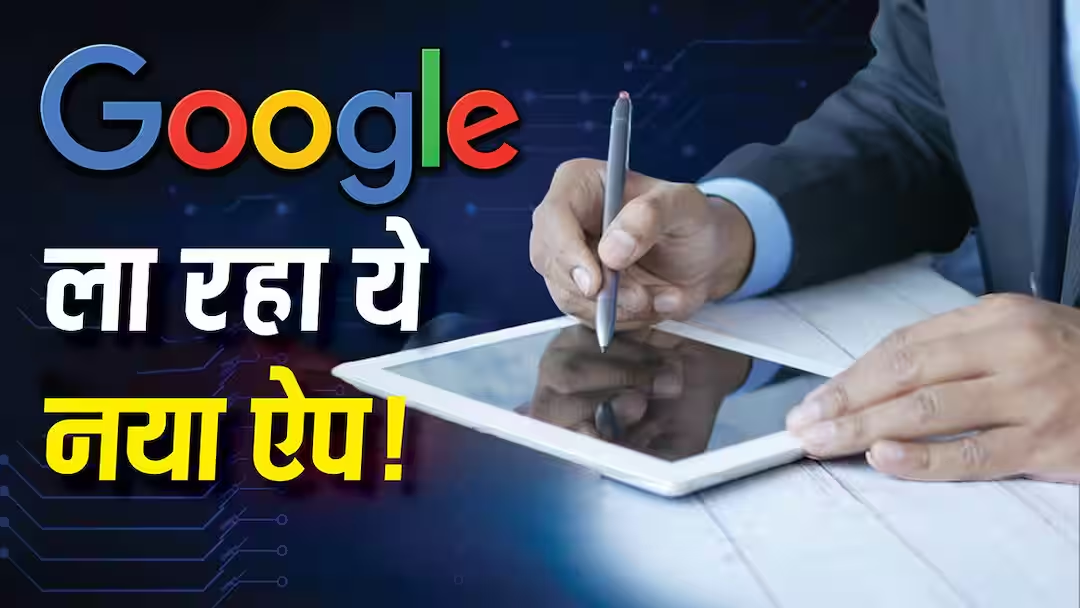
Google Signature App: Google is constantly introducing new features for the privacy of users. In this series, Google is soon going to introduce a new app for the users, with the help of which people will now be able to save their digital signature in the phone itself. Yes, actually, Google is rolling out a new Signatures app with the help of which users will be able to keep their digital signatures safe in their smartphones.
What is Google’s new app?
According to media reports, Google’s new Signatures app is being prepared for the convenience of the users. The main objective of this app is the safety of the users. Actually, this app will save your digital signature in your phone. Also, the user will get the option to prepare his signature in many ways. With the help of this app, users can create a signature by hand on the screen, upload a photo of an already existing signature or create a digital signature in different font styles by typing their name.
Apart from this, you will also get the option to save different signatures in the app. With its help, you can use those signatures as per your need and at different places.
How to use the app
For your information, let us tell you that if Google Play System Update of June 2026 is installed in your phone, then you can also use this new app. For this, first of all go to Settings and check Google Play System Update and install the new update. After this the Signatures app will not be visible in the app drawer.
To use it, you will have to take the help of an app like Activity Launcher. On searching Signature there, different options related to it will be visible with the help of which you can create a new signature and manage the already saved signatures.
When will we get the fully ready app?
According to the information, at present this app is not considered completely ready. Currently, users can only create and save signatures, edit or delete them and manage them by going to the Manage Signatures section.
According to reports, this app has started appearing in some Google Pixel, Samsung and OnePlus smartphones. The special thing is that it is being made available through Google Play System Update instead of any Android version update.
Also read:
Is your Google Account in danger? Change these 5 important settings today otherwise you will regret later.