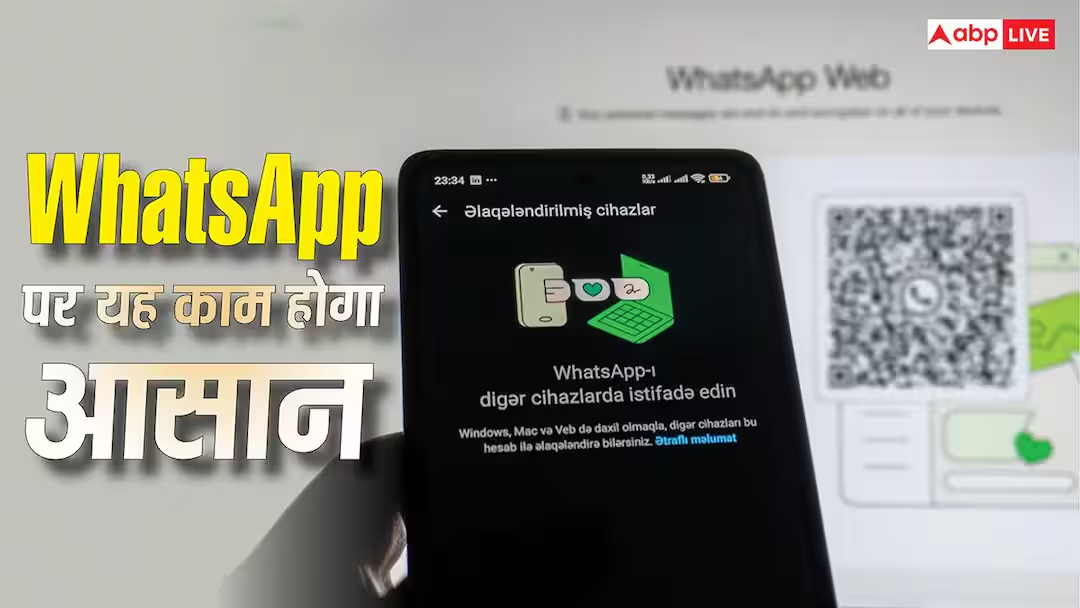
- WhatsApp will soon bring a passkey-based device linking feature.
- Users will get the convenient option of QR code scanning.
- The passkey will increase security by identifying fingerprint/face unlock.
- This feature will come first on Android, the passkey will be created from the settings.
WhatsApp New Feature: Powerful features are coming one after the other on WhatsApp. Recently the company has rolled out the username feature. Now the company is working on another feature, so that there will be no hassle of scanning the QR code to use WhatsApp on the linked device. For this, a passkey-based linking feature will come on WhatsApp, which will make this entire process fast and secure. According to the information, this feature will first come for Android. No information has been received yet regarding its availability for iPhone.
What is the process for linked devices now?
Currently, if you want to use WhatsApp on laptop or desktop other than your mobile, then you have to scan the QR code. Your account will be logged in on another device only after scanning. Now consideration is being given to changing this process. After the introduction of the new feature, the user will not need to scan the QR code. Instead of this, WhatsApp can be used on other devices by using Passkey. However, this feature will not replace the QR code but will give the user another convenient option.
What will be the benefit of passkey?
First of all let us know about passkey. The passkey verifies your identity using the phone’s built-in security features. That means it will verify your identity through fingerprint, face unlock and screen lock etc. Passkeys can be stored on the device and in the password manager. Talking about its advantages, it is very difficult for attackers to bypass the passkey. That means it provides more security against hacking.
How will the new feature work?
After this feature becomes available, when you try to link a device through the passkey, you will get a confirmation request on WhatsApp. As soon as you continue on this, your device will be linked. However, in some cases, users may also be asked to scan the QR code for additional verification. This shows that the company is not removing QR codes completely. To use this feature, the user will have to generate a passkey for the WhatsApp account. For this, go to the settings of the app and open the account. Here you will see the option of passkey. After the passkey is created, you will be able to use it to link the device.
Read this also-
Now buying iPhone has also become expensive, the price rise has started here