- Check the NFC feature in your phone’s settings.
What is NFC: As new technology is coming, smartphones are also becoming more advanced. In today’s advanced smartphones, users get such features about which most of the users are not even aware. Today we are going to tell you about one such feature present in the smartphone. Actually, now almost every new smartphone has the feature of NFC (Near Field Communication). Let us know how this feature works.
What is NFC?
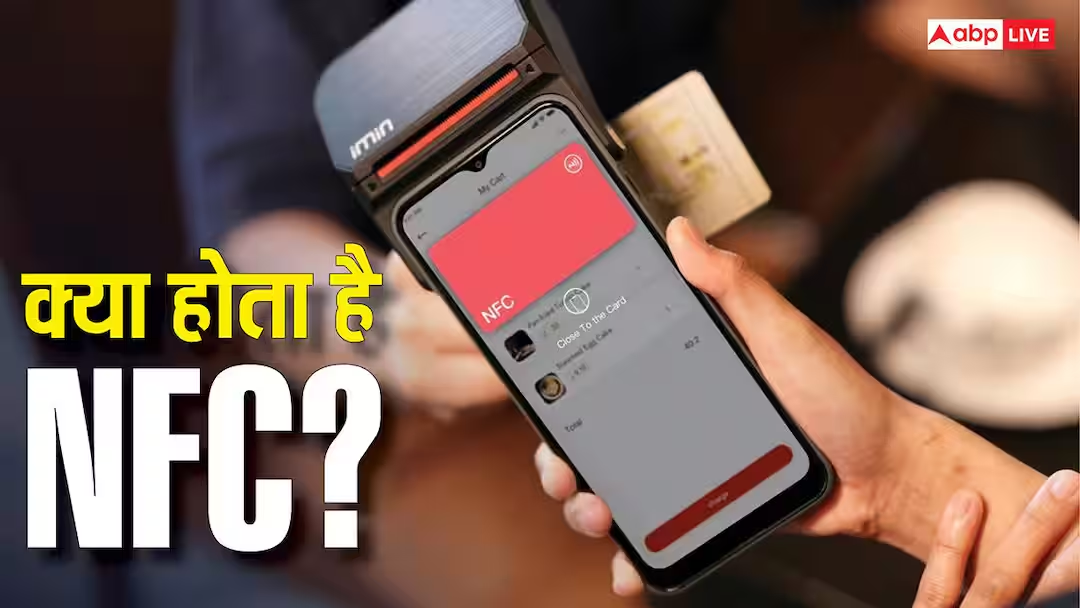
For your information, let us tell you that NFC i.e. Near Field Communication is a wireless technology with the help of which data is exchanged between any two devices. However, for this the distance between the two devices should be very small (up to about 4 centimeters). With the help of this feature, data can be easily exchanged between any two devices and they can also talk to each other.
On which technology does this feature work?
According to the information, this feature works on radio frequency technology. Besides, using this feature is also quite easy. To use this feature, NFC must be on in both your devices and they have to be brought close to each other.
Where is it used most?
For your information, let us tell you that this feature is mostly used for contactless payment. If your phone and bank card support NFC then you can easily make payment by taking the mobile near the POS machine. With the help of this feature, you do not even need to take out your card or enter your PIN.
It is also used in these works
This feature is used not only for payment but also at many other places. Most people still believe that NFC is used only for payment. But it is not like that at all. Actually, through this the user can also share small files or contacts from one smartphone to another. Apart from this, Wi-Fi, Bluetooth or other settings can be turned on or off immediately by scanning the NFC tag. Apart from this, wireless speakers, headphones or other devices with NFC support can be paired very fast.
How to check if your phone has NFC or not?
Now let us tell you how to check whether your phone has this feature or not. For this, first of all you have to go to Settings of your smartphone and search NFC. Now if you are seeing this option then it means that your phone supports this feature. In many Android phones, it is also found in the Quick Settings panel from where it can be easily turned on or off.
Also read:
Mini PC Vs Laptop: What is the difference in working of both? Know who has your advantage in buying