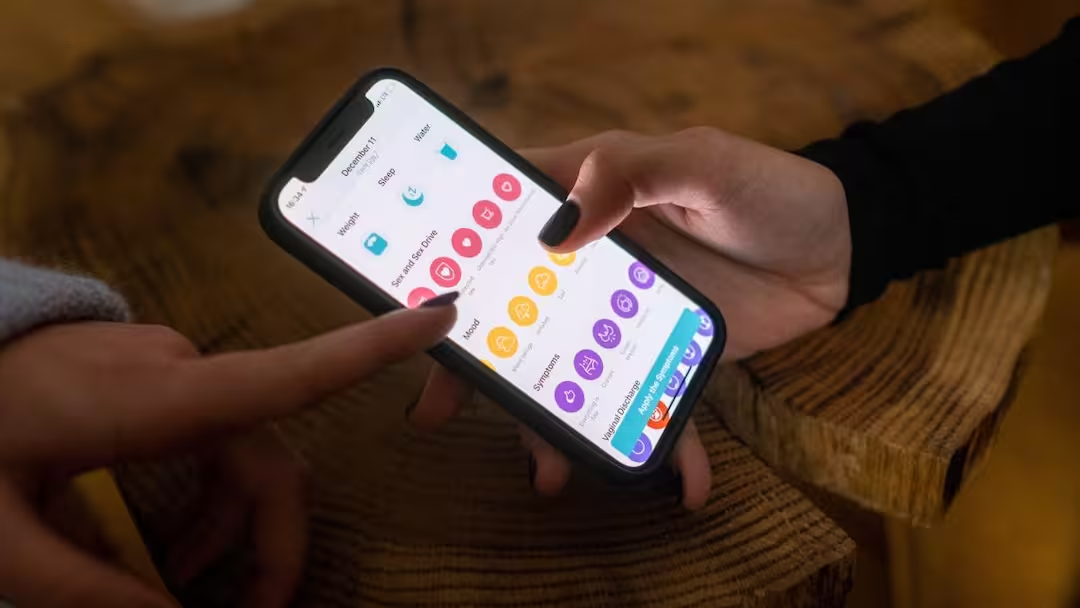
- Many smartphone apps collect personal data by tracking users.
- This data is shared with companies for advertisements and creating profiles.
- Turn off other unnecessary permissions including location in phone settings.
- Also pay special attention to permissions like camera, microphone.
App Tracking: Smartphones have become an important part of our lives today. From banking to social media, shopping and entertainment, we do almost everything through mobile apps. But have you ever wondered how much information the apps you trust are collecting about you? The surprising thing is that many apps present in your phone are constantly monitoring your activities and collecting your personal information.
Apps know more about you than friends
In today’s era, mobile apps not only fulfill your needs but also record information about your habits, likes and dislikes and even location. Many apps collect data related to your phone’s location, contacts, microphone and internet browsing.
According to experts, a large number of apps share user data with advertising networks and other companies. This is the reason why you often see the same ads on the Internet related to things that you have recently searched for.
How is your digital profile prepared?
When you install an app, it asks for many types of permissions. These may include permissions like location, camera, microphone and contacts.
Many times, even normal looking apps like weather app, torch, fitness tracker, shopping app or mobile games ask for excessive access. Based on this information, companies can prepare a profile of you according to your nature, which may include your preferences, travel destinations, shopping habits and online activities.
How to stop tracking in iPhone
If you use an iPhone, you can improve your privacy by changing some simple settings.
- Open Settings.
- Go to Privacy & Security.
- Select Location Services option.
- Check the location permission of every app.
- If not needed, select Never or While Using the App.
- Turn off Precise Location for apps that don’t need accurate GPS.
Android users should protect themselves like this
It is very easy to turn off location tracking even in Android smartphones.
- Go to Settings.
- Open the Location option.
- Tap on App Permissions.
- Check the permissions of all apps.
- Select Don’t Allow or Only While Using the App for unnecessary apps.
Keep an eye not only on location but also on these permissions
Most people only pay attention to location permissions whereas camera, microphone and contacts access are equally important. Be alert if a calculator app is asking for microphone permission or a game wants to access your contacts. In such cases, it is better to remove the permission immediately.
Also read:
Who is using your Wi-Fi? Find out like this in 5 minutes