- iOS 17.4 update makes it easier to track hotspot data usage.
- The connected device list will be visible in Personal Hotspot in Settings.
- Increase the hotspot’s internet speed by selecting the 5GHz band.
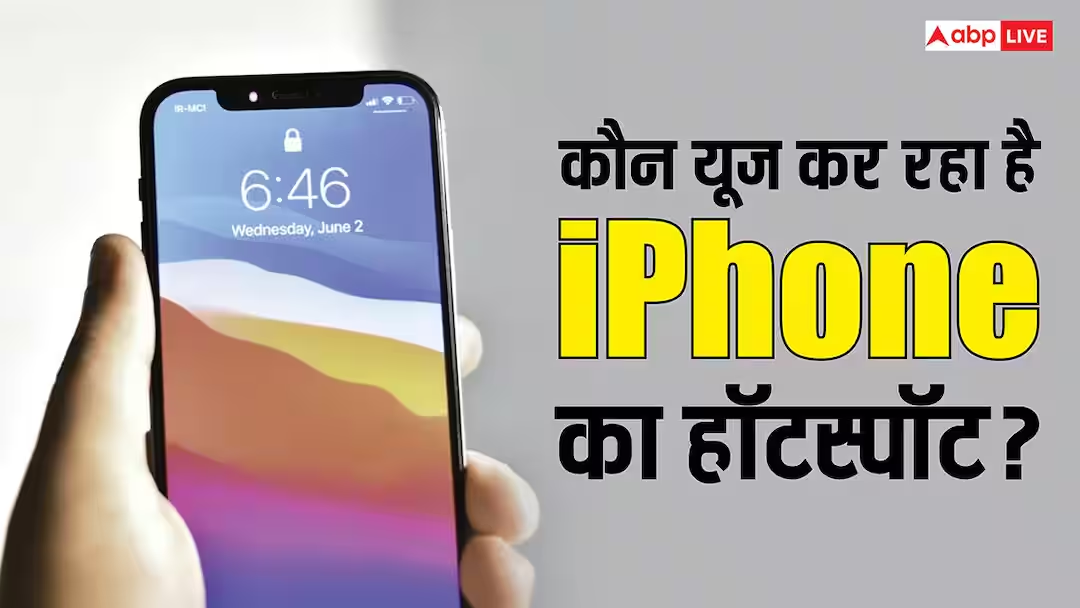
iPhone Hotspot Data: If you share data from your iPhone through hotspot, but are not able to find out who is using this data, then there is no need to panic. Now Apple has made it easy to find out. In the iOS 26.4 update, Apple has transferred Personal Hotspot usage from a hidden spot to a convenient location. Its advantage is that users can find out which device is using the hotspot from their iPhone by following just a few steps. With this, it has also become easier to block unknown devices.
‘Address’ of iPhone Hotspot Data changed after update
Apple already has a way to find out who is using your hotspot data, but until now it was hidden in cellular settings, due to which most people were not able to know about it. Now after the new update, this personal hotspot has started appearing in the menu, making it easier to keep an eye on it. However, for this it is necessary for your iPhone to be updated. This change has been made in iOS 26.4 update.
How to Find iPhone Hotspot Data?
First of all, open Settings in iPhone and tap on Personal Hotspot. Here, tap on the data usage option below the Maximize Compatibility toggle. Here you will see the list of all the devices connected to the iPhone. You will also know how much data has been consumed by which device. In this, you will see Apple devices by name, while Android and Windows PC etc. will be seen in the group of ‘Other Devices’.
How to increase speed with 5G hotspot?
If your phone has a 5G network, but you are getting very slow internet speed through the hotspot, then you need to change the settings. Actually, most smartphones create WiFi hotspot on 2.4GHz band by default. This band is also compatible with older devices and has a longer range, but it lags behind in terms of speed. Therefore it is necessary to change it.
How to get fast internet through hotspot?
If you want to get fast internet on the hotspot then you will have to change the 2.4GHz band to 5GHz. It supports higher data transfer rates. In modern smartphones, you will get this option in hotspot or tethering setting. Once enabled, fast internet will also be available and latency will also reduce.
Read this also-
Bored with using WhatsApp? Use these other secure apps with end-to-end encryption