- Google Earth’s Flight Simulator now available on web browsers.
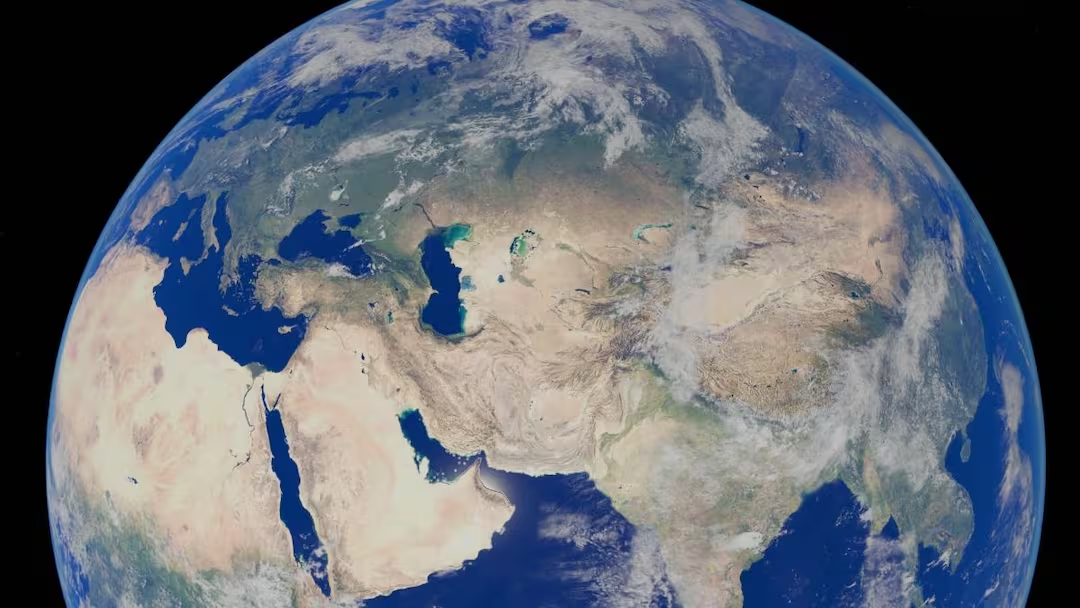
- It will show users a 3D Earth from a virtual plane.
- Available only on desktop, unavailable on mobile.
Google Earth New Feature: Google is constantly trying to improve its map and navigation platform. In this series, the company has made such a feature of Google Earth available on the web browser which can change your perspective of seeing the world. The special thing is that it does not require any extra software or payment. Now users can take virtual flight over the world directly from their computer’s browser.
What is Google Flight Simulator?
Google Flight Simulator is a tool that provides users with the experience of flying a virtual plane. With its help, you can fly over different parts of the Earth and see Google Earth’s 3D maps, buildings and natural places from a different perspective.
While it’s not as difficult or realistic as a professional flight simulator game, it’s still a really fun way to explore the world.
New feature of Google Earth
Google announced in June 2026 that its famous Flight Simulator feature is now being made available to more users. Earlier this feature was present as a hidden Easter egg inside the Google Earth application but now it has been included in the web version as well.
The company’s aim is to make many advanced features of Google Earth a part of the browser experience. Under this, Elevation Profiles, extra data layers and new import options are also being added. Flight Simulator is a part of this.
How to use?
If you want to try this feature then follow these easy steps.
- Open Google Earth on your computer.
- Click on the Explore Earth option that appears near the search bar.
- Select the Tools section in the menu above.
- Now click on Flight Simulator option.
- By using the Arrow Keys of the keyboard, you can turn the plane up-down or left-right.
- The speed of flight can be controlled by Page Up and Page Down buttons.
- Control mode can also be changed by clicking the mouse.
If the flight crashes during flight then You Crashed! You can fly your flight again by pressing the Restart option.
Facility is not available for mobile users
Currently this feature is available only on desktop browsers. That means Android and iPhone users will not be able to use it on their smartphones right now. Furthermore, this feature is based on simple flight physics so it is designed for entertainment and exploration purposes only. Users with low internet speed may also have trouble loading some 3D elements.
Also read:
What is Jio Call Agent, how can this AI feature change the way you make phone calls?